YouTube Automation in 2026: What Actually Makes Money
Most YouTube automation guides are written by people who've never shipped 100 videos. This one comes from an operation that ships that many every month, with the numbers the gurus skip.
Most YouTube automation channels never earn a dollar, and most of the rest settle for scraps. None of that stops every other thumbnail on this platform from showing a 22-year-old in front of a Lambo, claiming his channel prints $40k a month while he sleeps. Most of those channels do not exist. Some do — and the gap between the two is what this guide actually explains.
We run FacelessGenie, one of the engines a lot of these channels are built on, so we see the data nobody else sees: which workflows actually ship videos every week, which ones quietly die by week three, and where a human still has to sit in the loop. By the end of this guide you'll have the real stack, the niche tiers that actually pay, the honest unit economics, and the exact 10% of the work no AI can do for you.
If you want the tactical, faceless-specific playbook instead of the full map, read our companion piece on faceless YouTube automation. This one is the authority guide to the whole territory.
What is YouTube automation
Here's what we actually mean, because half the confusion in this space comes from people meaning different things when they say YouTube automation. The phrase has three overlapping meanings, and you should be precise about which one you mean.
First, YouTube automation can mean a channel where the face on camera is not the owner — a voice actor reads the script, an editor cuts the footage, and the founder runs the operation like a small media company. This is the original meaning from around 2018-2020 and is still a viable business, just an expensive one.
Second, YouTube automation can mean a channel built around AI tools where the creator-operator uses software to compress the production cost from $300 a video to a couple of dollars and from twelve hours of work to forty minutes. This is what most people in 2026 mean when they say it, and this is what this guide covers.
Third, and this is the version people sell on Instagram, YouTube automation can mean a fully hands-off channel where AI does everything and you collect AdSense in your sleep. This version mostly does not exist. The channels that try it get caught by YouTube's repetitive-content policy, plateau at a few thousand views, or fall off the algorithm cliff inside a quarter.
When we say YouTube automation in this guide, we mean the middle version: an operator-driven, AI-assisted production pipeline where humans still own the strategic decisions and machines own the mechanical ones. That is the only version with durable economics in 2026.

Why 2026 is the inflection point
People have been claiming YouTube automation is about to break out for five years. They were mostly wrong. In 2021 the voices were robotic, in 2022 the visuals looked like a kindergarten fever dream, in 2023 the scripts were obviously LLM-generated, and in 2024 the I2V clips moved like tortured rubber. 2025 was the first year all four pieces became individually acceptable. 2026 is the first year all four pieces became indistinguishable from human-made content for the average viewer.
That distinction matters. When viewers can tell something is AI, retention craters. When they cannot tell, retention behaves the same as anything else and the only variable is whether the content is actually good. We are now firmly past that line for the dominant niches — documentary explainers, listicles, history, finance, true-crime style explainers, and most Shorts formats.
The other thing that happened, quietly, is that multi-channel operations became viable for solo founders. In 2022 running two channels at once required a small team. In 2026 it requires a laptop and a workflow. We watch operators run six channels at once from one Auto-Mode dashboard without missing a publishing day. That is the unlock — not the per-video cost, but the per-operator throughput. A solo human in 2026 can do what a five-person studio could do in 2022.
If you have been waiting for the right moment to start an automated YouTube channel, this is it. Not because the gold rush is going to last forever — it will not — but because the production technology is finally good enough that the strategic decisions matter more than the execution. And strategy is something a thoughtful operator can win at.
How does YouTube automation work
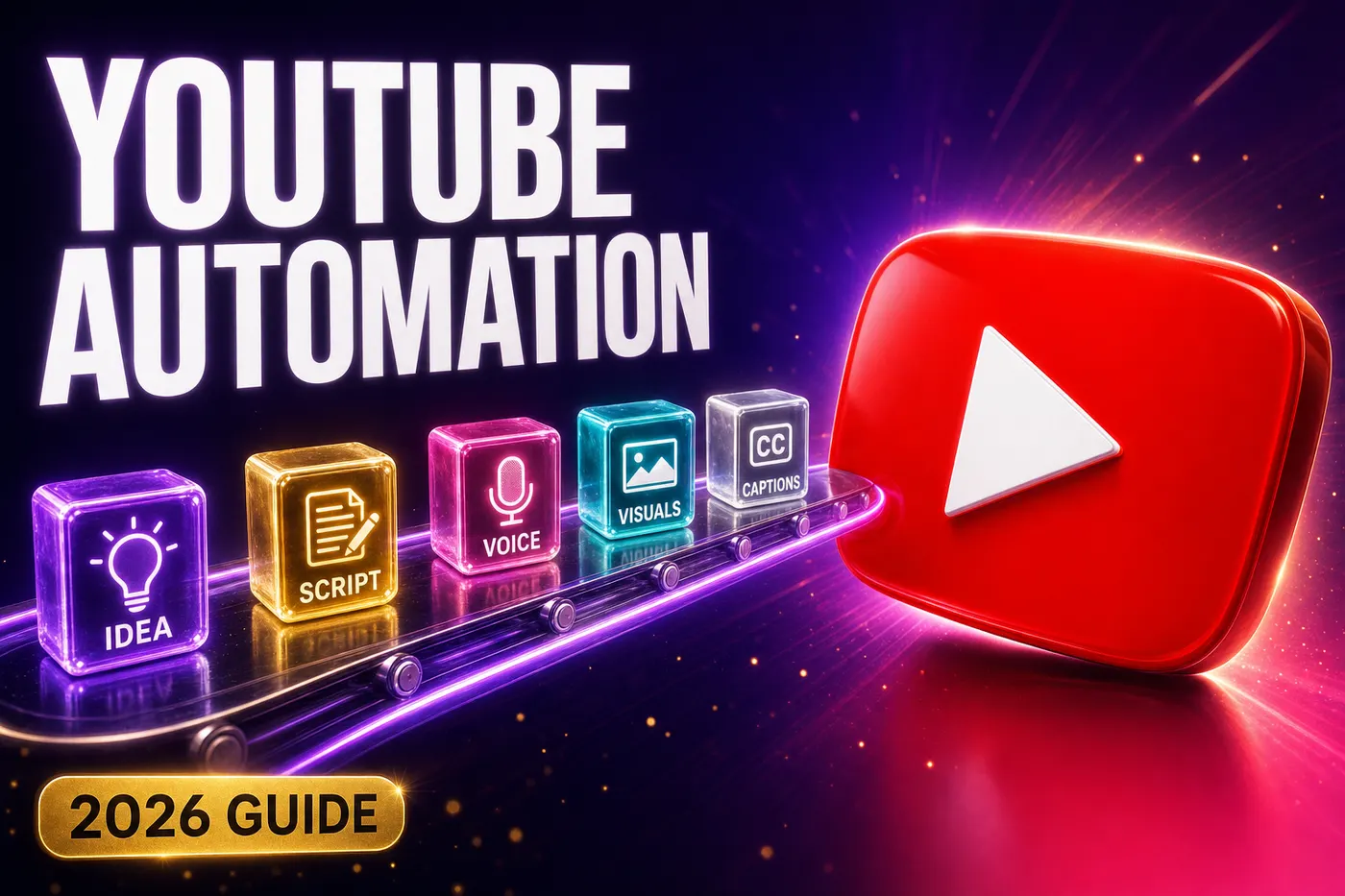
At the mechanical level, YouTube automation is a pipeline. Every working automated YouTube channel runs some version of the same seven stages, even if the tools differ. Understanding this pipeline is the difference between someone who runs automation and someone who buys a course and then asks why nothing works.
- 1Idea capture — a topic queue of 50-300 candidate video titles for your niche, kept fresh by either manual research or automated trend scraping.
- 2Script generation — a long-context LLM writes a tight, structured script based on the title and a niche-specific prompt.
- 3Voice — a text-to-speech model converts the script into natural narration with the pacing and tone the niche demands.
- 4Visuals — an image model generates stills or an image-to-video model generates clips, depending on the format. B-roll comes from stock libraries or AI generation.
- 5Captions — a transcription model creates word-level timed captions burned into the final render.
- 6Render — a video engine (Remotion on Lambda in our case) composites everything into the final MP4 with music ducking, scene transitions, and a thumbnail.
- 7Publish — the YouTube Data API uploads, schedules, and tags the video with the metadata your operator config defines.
Every stage is independently solvable in 2026. The hard part is not solving any single stage — it is wiring all seven together so they hand off cleanly and the failure of one does not corrupt the next. This is where most homebrew automation stacks break. The output of each stage has to be machine-readable input for the next, and every stage has to be observable so you can debug it when (not if) something goes wrong.

The other thing that defines how YouTube automation actually works is the human checkpoint. In a healthy workflow, a human reviews the script before voice (a 60-second skim), the hook in the first 15 seconds of the rendered video, and the thumbnail. That is roughly two to four minutes of human attention per video. Below that, quality slips. Above that, the throughput economics stop making sense. The art of running YouTube automation is finding the smallest human checkpoint that keeps quality on the right side of the line.
How to start YouTube automation
Now the practical part. If you want to know how to start YouTube automation properly in 2026 — not the influencer version, the operator version — here is the seven-step sequence. Do them in this order. Most people do them in a random order and that is why most people fail.
- 1Pick a single niche and commit for 90 days. The niche decision is 70% of the outcome. Browse our faceless YouTube channel ideas breakdown for a tier list, then pick one — not three.
- 2Validate the niche with 10 published videos before you spend a dollar on tooling beyond the free tier. If the niche cannot pull 1,000 views per video by video ten with your best effort, change niches before you scale anything.
- 3Set up your stack. Sign up for FacelessGenie, pick the LLM tier that fits your budget, and commit to one TTS voice for the first 30 videos. Voice consistency is part of brand.
- 4Build a topic queue of 50 video titles before you record anything. Empty queues kill cadence. Full queues let you batch.
- 5Decide your publishing cadence — long-form or Shorts, days of the week, time of day — and treat it like a contract. The algorithm rewards predictability more than it rewards volume.
- 6Ship 30 videos. Not three, not ten. Thirty. This is non-negotiable. You will not know what works until video 20 and you will not have the data to tune until video 30.
- 7After 30 videos, audit. Look at your retention curves, your CTRs, your audience-from-video. Change exactly one variable for the next batch of 30. Then repeat.
Note that none of the seven steps above is "set up the YouTube channel." That is because setting up the channel is the easy part. You can do it in five minutes. The work that determines whether you have a real automated YouTube channel or just an empty handle is everything that happens between the channel creation and video ten.
One more thing on starting. Pick whether you are going short-form or long-form before you start. Do not try to do both for the first 30 videos. They have different scripts, different hooks, different visual rhythms, and different monetization curves. Pick one, get good at it, then expand. If you are unsure, default to short-form for the first channel — the iteration cycles are faster, the learning curve is steeper, and the Shorts monetization economics in 2026 are surprisingly good once you cross 1,000 subs.
The stack for an automated YouTube channel
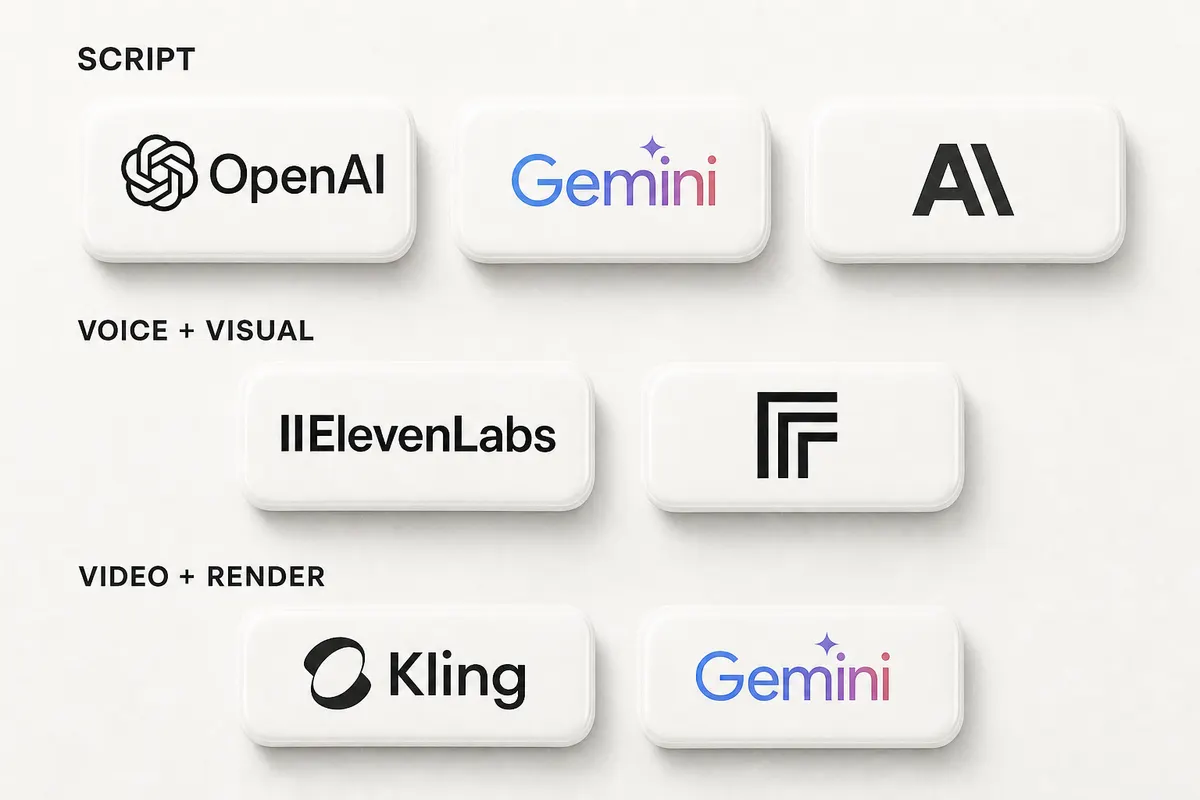
There are roughly 60 tools in this category right now and the list grows every week. You do not need 60. You need one of each. Below is the opinionated stack we recommend in June 2026 for an automated YouTube channel, broken down by stage. Everything in this list is wired into FacelessGenie, but you can absolutely roll your own if you enjoy plumbing.
| Stage | Tool (June 2026) | Why this one |
|---|---|---|
| Long-form script | Claude Opus 4.8 / Gemini 3.1 Pro | Honest, coherent at 1,500+ words. Opus 4.8 shipped 28 May. |
| Short-form script | Gemini 3.5 Flash / Claude Sonnet 4.6 | Cheap, fast, near-flagship quality on tight word counts. |
| Long-form voice | ElevenLabs v3 / MiniMax Speech-02 | Cleanest narration for documentary and explainer formats. |
| Short-form voice | Kokoro / OpenAI TTS HD | Low cost per generation, fine for sub-60s clips. |
| Image generation | FLUX 1.1 Pro / Nano Banana Pro / Seedream 4 | Cinematic stills with strong prompt adherence. |
| Image-to-video | Seedance 2.0 / Kling 3.0 / Hailuo 2.3 | Best motion and style preservation for 5-10s clips. |
| Budget I2V | Wan 2.6 Flash | ~$0.018/sec — survives scale runs. |
| Captions | Whisper Large v3 | Word-level timing, multilingual. |
| Render | Remotion on AWS Lambda | Programmatic, repeatable, fast cold starts. |
| Publish | YouTube Data API v3 | Direct upload, no third-party scheduler tax. |
| Analytics | YouTube Studio + a 5-row sheet | Forty dashboards are noise. You need five numbers. |
A few notes on this table. First, the script choice matters more than people realize. Cheap script models flatten the writing, repeat phrases across videos, and produce that telltale LLM cadence that viewers now subconsciously notice. Spend on the script model. Save on the I2V clips, where the marginal quality of premium models is smaller than the marginal cost.
Second, voice consistency matters more than voice quality past a certain bar. Pick a voice and stay with it for at least 30 videos. Switching voices mid-run resets viewer recognition and tanks subscriber-from-video rates. We have measured this on three separate channels.
Third, captions are non-negotiable. Roughly 70% of mobile Shorts viewers watch with sound off. Long-form has a smaller but still meaningful silent-watch segment. Auto-burned captions are the single highest-ROI production decision after picking a voice.
YouTube automation niches that actually pay
Niche choice is the highest-leverage decision in this entire business. Two operators with identical stacks running different niches will see 50x differences in revenue. The reason is RPM — different niches command wildly different ad rates because different audiences are worth wildly different amounts to advertisers. Here is the rough tier breakdown for AI YouTube channel niches in 2026, based on what we see across thousands of operators.
Tier S niches are where the money is. Personal finance, investing, business education, real estate, B2B tech reviews, legal explainers. RPMs of $20-$45 are common, and a channel hitting 500k views a month can clear five figures from AdSense alone. The catch is these niches require either real expertise or believable simulation of it. AI-generated finance scripts that get the numbers wrong get torched in the comments and the algorithm follows the comments.
Tier A niches are the workhorses. Mid-RPM ($5-$15), broad enough audience to scale, forgiving on production quality. History documentaries, science explainers, true-crime style narratives, technology history, business case studies. Most successful automated YouTube channels live in Tier A because the niche is wide enough to support 200+ video ideas and the audience is patient with format experimentation.
Tier B is volume territory. Listicles, top-10 videos, country comparisons, ranking videos. RPMs are lower ($2-$5) but the topics are infinite and the production cycle is fast. You can ship one of these in 30 minutes from idea to publish. Tier B is where high-throughput AI YouTube channel operations live, often running 30-60 videos a month per channel.
Tier C is the trap. Reaction content without commentary, AI-narrated screen recordings of other videos, motivational quote compilations. The RPMs are low, the views are low, and the legal exposure on copyright is high. We recommend nobody start here.
We have a full breakdown of specific niche ideas and 30-day validation tactics over in our faceless YouTube channel ideas post. That is the place to start if you have not committed to a niche yet. Do not read the rest of this article until you have a niche picked. Strategy without a niche is hallucination.
YouTube automation business
Here's the actual unit economics. The YouTube automation business model has matured enough in 2026 that the math is no longer guesswork. Here is what an operator running a competent multi-channel setup actually sees.
Cost side. A 10-minute long-form video built on the recommended stack costs between $1.20 and $3.50 in compute (script tokens, voice generation, image generation, I2V clips, render Lambda time). A 45-second Short costs between $0.20 and $0.80 depending on whether you go full I2V or use a stock B-roll fallback. Monthly tooling is roughly $0-$80 depending on plan — the free tier of FacelessGenie covers a real channel.
Time side. An operator with a smooth pipeline spends roughly 8-15 minutes per video on the human-review portion (queue refill, script skim, hook check, thumbnail review, publish). Batch ten videos in a session and you are looking at two hours of operator time for a week's worth of output on one channel. Run six channels that way and you are at twelve hours of operator time per week for sixty videos.
Revenue side. The honest range is wide. A new channel in a Tier A niche typically takes four to six months to hit monetization (1,000 subs + 4,000 watch hours), then climbs from there. Once monetized, the rough monthly revenue range we see is $200-$2,000 in months 6-9, $500-$8,000 in months 9-15, and $1,500-$30,000 in months 15-30. Outliers exist on both ends. Channels that hit Tier S niches with a sharp operator routinely clear $20k+ per channel.
Multi-channel math is where the YouTube automation business gets interesting. Running one channel is a hobby with positive expected value. Running six channels with a unified pipeline is a small media company. The variable cost per additional channel is small once your workflow is set up — you are mostly buying more queue maintenance and more thumbnail review time. The fixed cost is already paid.
| Channels | Videos/mo | Operator hours/wk | Compute cost/mo | Revenue range (year 1) |
|---|---|---|---|---|
| 1 | 20-40 | 3-5 | $30-$120 | $0-$3,000 |
| 3 | 60-120 | 8-12 | $90-$360 | $0-$12,000 |
| 6 | 120-240 | 12-20 | $180-$720 | $0-$30,000 |
The wide revenue ranges are honest. About 30% of channels never monetize. About 50% monetize and settle in the low end of the range. About 20% break out and pull most of the operator's revenue. This distribution is the dirty secret of the YouTube automation business — it is portfolio-shaped, not deterministic. Run multiple channels not because more is better but because the variance demands a portfolio.
If you want a clean way to actually run multiple channels without losing track, that is what Auto-Mode is built for. It treats each channel as a worker with its own niche, voice, schedule, and queue, so the cognitive overhead of running six channels feels closer to running one.
What automation can't do
Here is the part most automation guides skip. There is a 10% of the work that AI cannot do, has not done, and shows no sign of doing in the next year. Pretending otherwise is how operators end up with channels that ship perfectly competent videos that nobody watches.
Hooks. The first 15 seconds. AI can write a passable hook by pattern-matching what worked before, but the hooks that drive a 4% retention jump are the ones that connect a specific viewer's specific tension to your specific video in a way no template captures. This is taste, and taste does not generalize across niches. Every breakout channel we have observed has a human owning the hook layer.
Thumbnails. AI image generation has gotten brilliant. AI thumbnail design has not. A great thumbnail is a hypothesis about which specific emotion will pull a click from your specific audience in your specific niche at the specific moment they are scrolling. That is a four-step inference chain and AI does not get there yet. Operators who automate thumbnails see CTRs of 2-3%. Operators who hand-craft thumbnails on the same content see CTRs of 6-10%.
Niche choice. We have said this twice already and we will say it again. Pick a niche where you have either earned taste, simulated taste, or measured taste. Letting an AI pick your niche is letting an AI pick your business model — fine if you are running a portfolio of throwaway channels, fatal if you are trying to build something.
Comment response on the first 100 comments per video. Especially in finance, science, and history niches where viewers will absolutely correct you in the comments and the algorithm reads engagement signals from how those threads play out. Replying once or twice on each video, as a human, in the first hour, is one of the highest-ROI manual tasks left in the workflow.
AI YouTube channel examples worth studying
We will not name specific channels — partly because naming attracts copycats and tanks the originals, partly because the legal surface area of naming working AI YouTube channel operations is non-trivial. But we will describe four patterns worth studying. You can find living examples of each by searching the niche on YouTube and sorting by upload date.
Pattern one: the daily-news AI channel. One niche (crypto, AI tools, a specific sports league), one host voice, daily 5-8 minute upload at the same time. Script generated from a curated news feed each morning, voice and visuals generated on a fixed template, published before 7am local time. Audience treats it like a podcast. Retention is moderate but consistency drives subs at high rate. We see these clear $3-15k/month in tech niches.
Pattern two: the documentary-style explainer channel. Long-form (10-25 minutes), 2-3 uploads per week, deep topical research, dense narration over generated visuals. Script generation requires a top-tier LLM with strong factual grounding. Production cycle is longer per video (45-90 minutes operator time) but RPMs are 3-5x daily-news. Common in history, science, business-case-study niches.
Pattern three: the high-throughput Shorts channel. 5-10 Shorts per day, single tight niche, identical visual format across every video. Each Short follows a strict hook-payoff-cta structure. Production is almost fully automated; operator time is mostly thumbnail and hook review. Revenue is volume-driven and depends heavily on hitting the Shorts monetization curve described in our Shorts monetization breakdown.
Pattern four: the personality-anchored AI channel. A specific AI-generated voice persona with a name, recurring catchphrases, and a consistent visual avatar. The channel feels like a character even though no human is on camera. This pattern is the highest-ceiling and the highest-effort — it requires writing taste, audio direction, and brand discipline that most operators lack. The few that pull it off are some of the largest channels in the category.
If you are starting now, copy pattern one or pattern three. Both have proven economics and forgiving learning curves. Patterns two and four reward operators who have already shipped 100+ videos somewhere else.
Workflow walkthrough: launching an automated YouTube channel on FacelessGenie
This is the part where we show you what running this actually looks like end-to-end on our platform. If you are using a different stack the principles still apply, but the screens are different.
- 1Sign up at /pricing and pick a plan. Long-form needs a paid plan — it is the most credit-hungry thing you can make, since an 8-10 minute video is well over a hundred generated scenes. Start on the smallest plan that covers a few long-form videos and prove the niche before you scale up.
- 2Create your first one-shot video at /create. This is the manual path — type a topic, pick your models, generate. Do this two or three times to feel the pipeline.
- 3Once you trust the pipeline, head to /auto-mode/new and create your first worker. A worker is a configured channel: niche, voice, image model, I2V model, schedule, target duration, thumbnail style. Save it.
- 4Connect your YouTube channel to the worker via the OAuth flow. Confirm the channel ID matches the one you want to publish to.
- 5Seed the worker queue with 30-50 topic titles. Either paste them in manually or use the niche-research prompt to generate candidates from a single seed topic.
- 6Set the publishing cadence — for example, every weekday at 6pm local time. The worker will draw from the queue, run the pipeline, and publish automatically.
- 7Bookmark /auto-mode and visit it once a day. The dashboard shows you what is queued, what is rendering, what is published, and what failed. The 15-minute morning review loop happens here.
The difference between the one-shot create flow and the Auto-Mode worker flow is the difference between making a video and running a channel. /create is for when you want to make exactly one video with your full attention. /auto-mode is for when you want to run a channel that ships 30+ videos a month without you sitting in front of every render. Most operators use both — create for experiments, auto-mode for production.

One implementation note. The first time a worker runs on a brand-new channel, watch the full first video before letting subsequent renders publish. Auto-Mode lets you set a manual approval gate for the first N videos per worker — use it. The cost of catching a voice mismatch or a watermark issue on video one is small. The cost of catching it on video eight after the algorithm has already formed an impression of the channel is large.
Cadence, batching, and avoiding the death loop
Cadence is where most operators die. The death loop looks like this: they post daily for two weeks, burn out, post nothing for three weeks, panic-post six videos in a day, see the algorithm punish the pattern abuse, and quit. We have watched this loop play out hundreds of times. The fix is not motivation. The fix is structure.
Pick a cadence you can hold for 90 days even on your worst week. For most solo operators that is three to five long-form videos per week, or one to three Shorts per day. Not more. The algorithm rewards predictability more than volume, and a channel that ships four videos a week for ninety days will outperform a channel that ships fifteen the first week and four the rest.
Batch your production. Pick one day a week — Sunday afternoon works for most people — and run the entire week's queue review and publish-schedule in one sitting. Auto-Mode does the actual rendering and publishing across the week; you do the human review in one batch. This is the single biggest operator-time saver in the entire workflow.
On rest days. Some operators run their automated YouTube channel seven days a week and never take a break. Others build a single rest day into every channel's schedule (typically Sunday for long-form, never for Shorts). The data is mixed on which is better, but the operator burnout data is clear — a rest day for the channel is also a rest day for you. Take it.
If you want a deeper tactical breakdown of cadence and batching specifically for the faceless format, our faceless YouTube automation post has the exact weekly templates we use. They translate directly to non-faceless automation too.
Monetization paths beyond AdSense
AdSense is the default monetization path for an automated YouTube channel and the one everyone talks about. It is also the slowest to ramp and the most niche-sensitive. The operators who scale to real revenue almost always layer two or three other monetization streams on top of AdSense. Here are the ones that actually work in 2026.
Affiliate links in description. The fastest second stream to add. Pick three to five products genuinely relevant to your niche and link them in every video description. For Tier S niches (finance, software, B2B) affiliate revenue routinely exceeds AdSense by month nine. For Tier B (listicles, ranking videos) it is a smaller but still meaningful contribution.
Sponsorships once you cross 50k subs. Sponsorship rates for AI YouTube channel operators in 2026 are lower than human-creator rates (advertisers know the difference) but the deal flow is real. Expect $300-$2,500 per sponsorship slot at 50-200k subs, scaling from there. Specialist niches (B2B, finance, B2B SaaS) command 3-10x the rates of general entertainment.
Owned products. The highest-margin monetization path is selling your own product to the audience your channel built. Templates, courses, ebooks, software tools, communities. Operators with 100k+ subs in finance or business niches routinely sell $50-200 digital products at meaningful conversion rates. This is where the YouTube automation business graduates from "side income" to "actual business."
Cross-platform repurposing. Take long-form YouTube videos and chop them into TikToks, Shorts, Reels, and X clips. Each platform monetizes differently and the marginal cost of repurposing is small once the long-form is produced. We have a tactical breakdown of Shorts monetization specifically that covers the cross-platform math.

One subtle point on monetization. The compounding effect of multiple revenue streams is non-linear. A channel making $2,000/month from AdSense alone is fragile — one policy change and revenue halves. The same channel making $2,000 from AdSense, $1,500 from affiliate, $1,000 from sponsorships, and $3,000 from a digital product is doing $7,500/month and is durable against any single shock. The portfolio shape applies to revenue streams, not just channels.
Common YouTube automation traps
We have watched thousands of YouTube automation channels launch. Most of them fail in one of about seven ways. Here are the traps, in rough order of how often we see them.
Trap one: reupload disguised as automation. Taking another creator's video, running it through an AI voice changer, slapping on new captions, and uploading. YouTube's repetitive-content policy is aggressive in 2026 and the detection has gotten very good. Channels doing this get demonetized or terminated within months. Do not do this.
Trap two: treating faceless or AI as an excuse for laziness. Some operators use "it is just AI content" as permission to ship videos that are not actually good. The algorithm and the viewers do not grade on a curve. A bad automated video performs as poorly as a bad human-made one. The standard is the same.
Trap three: ignoring the analytics. After 20 videos the operator should be looking at retention curves weekly and adjusting hooks, thumbnails, and intros based on what they show. Most operators ship 20 videos, never look at the data, and wonder why nothing scales. The data is right there. Look at it.
Trap four: scaling channels before validating the first one. Running six channels that each pull 50 views is not a business. Validate one channel to 10k+ views per video before you scale to a second. Multi-channel is the reward for solving single-channel, not the strategy for avoiding it.
Trap five: changing the stack every week. New TTS model drops, you switch. New image model drops, you switch. Your voice and visual style reset every batch and the channel never develops an identity. Pick a stack, commit for 30 videos, then audit. Tool churn is a productivity killer.
Trap six: optimizing for the wrong metric. Subscriber count is a vanity metric until you are monetized. View count is meaningless without retention. CTR without view-duration is a clickbait death spiral. The real metric is revenue per video — and that takes 60+ days to measure meaningfully.
Trap seven: skipping the human review checkpoint. Operators with two or three channels start letting Auto-Mode publish without review. Six weeks later they discover a bug introduced halfway through that has been shipping broken thumbnails to twenty videos. The 15-minute morning review is non-negotiable. Do it.
What "set and forget" really looks like in practice
Now the honest version of the dream everyone is sold. "Set and forget" YouTube automation is real, but it is not what the gurus describe. Here is what it actually looks like for an operator running a mature multi-channel automated YouTube setup six months after launch.
Morning, 15 minutes. Open the Auto-Mode dashboard. Glance at yesterday's published videos — check the first 10 seconds of any video flagged by the retention-anomaly heuristic. Approve or kill anything in the manual-approval queue. Refill the niche queue for any channel that dropped below 20 titles.
Once a week, 90 minutes. Pick a fixed time (Sunday afternoon is the most common). Review the week's analytics for each channel — retention curves, CTR, subs-from-video. Pick one variable per channel to test next week. Adjust the operator config accordingly. Refill thumbnail prompts if any channel is drifting visually.
Once a month, half a day. Audit each channel against its 90-day plan. Decide which channels to scale, which to maintain, which to retire. Update topic queues with seasonal or trend-driven titles. Renegotiate sponsorship contracts if applicable. Plan next month's experiments.
That is roughly 15 hours a month for a six-channel operation. Compare to the hundred-plus hours per month a comparable human-made content operation would require. That is the actual leverage of YouTube automation. Not zero hours. Not infinite revenue. Just an unreasonable ratio of output to operator time, applied with discipline over months.
If that sounds boring rather than glamorous, you have understood it correctly. The operators making real money from YouTube automation are not the ones in the Lambo thumbnails. They are the ones who built a system, work it for 15 hours a month, and let the compounding do the heavy lifting. If you are looking for excitement, this is not it. If you are looking for leverage, this is exactly it.
The guide has the whole pipeline on one page with screenshots, and the faceless YouTube automation piece has the tactical version for that specific format — but no amount of reading replaces the first video. The fastest way to find out if your niche has legs is to try it on FacelessGenie and ship one this week.
Frequently asked questions
Yes. Producing videos with AI tools and uploading them to your own channel is fully legal as of 2026. What is not legal is uploading other people's content (reuploads), using AI to impersonate real people without permission, or violating YouTube's own repetitive-content policy. As long as your automated YouTube channel produces original work, you are inside the rules.
Ship your first faceless video today.
Pick your niche. Pick your models. We render. From idea to finished short in under 7 minutes — no camera, no editor.
Keep reading

Faceless YouTube Automation: The Actual 2026 Workflow
Most "faceless automation" guides automate the wrong part, then quietly kill the channel. Here's the 6-stage workflow — and the two things you should never hand off to AI.

27 Faceless YouTube Channel Ideas Ranked by RPM in 2026
AI finance explainers pull $18-32 RPM in 2026 while dark history docs average $12-25 — here are the 27 niches worth building a channel around, ranked and scored.

How to Monetize YouTube Shorts in 2026: Real RPM Numbers
Most "YouTube Shorts monetization" guides skip the math entirely. This one has the actual RPM range by niche — $0.02 to $0.45 per 1,000 views — and the exact path faceless operators used to clear their first $1K.