Make a Song From Text or Lyrics With an AI Music Generator
A practical, start-to-finish guide to creating original songs with AI: from the first music prompt and lyric sheet to vocal review, publishing, copyright, and video.
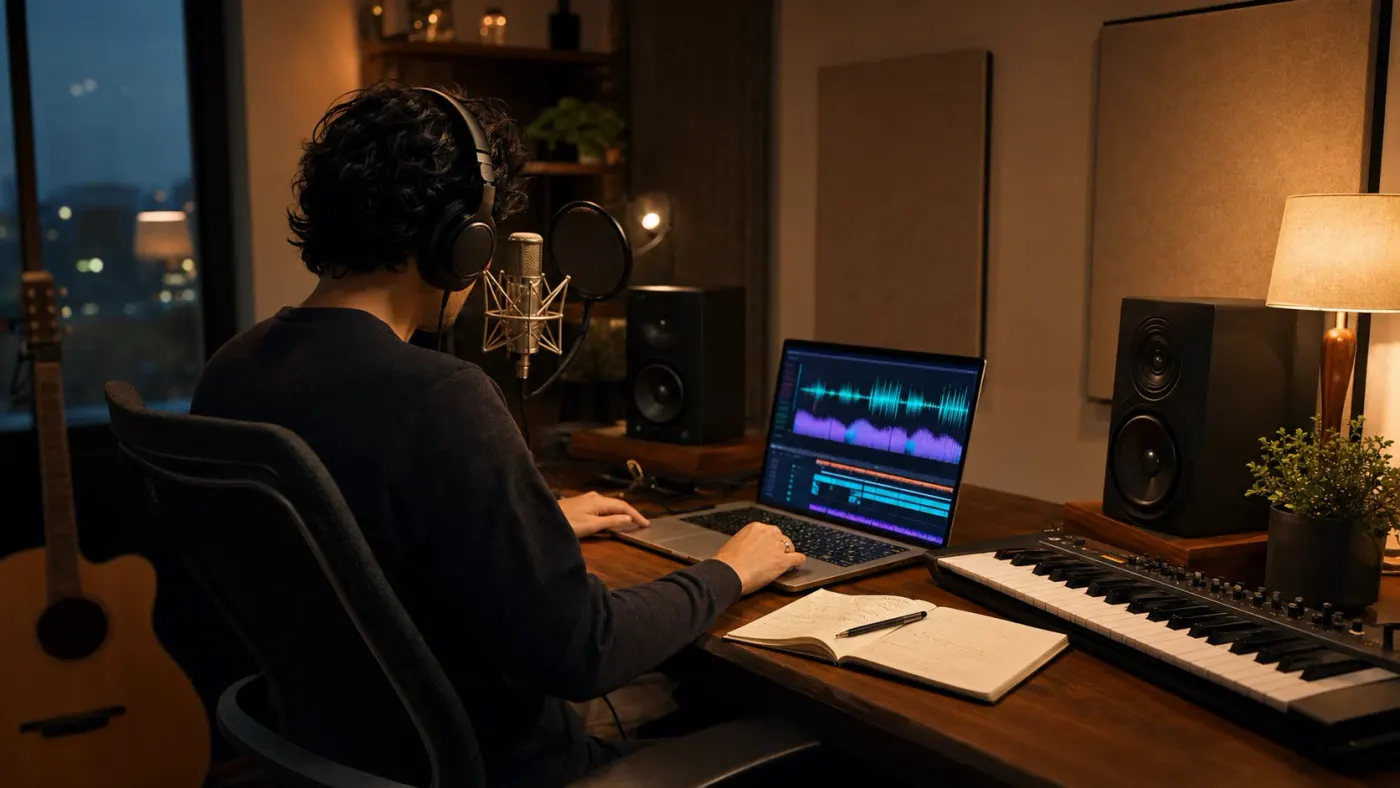
An AI music generator can turn a sentence, a mood, or a finished lyric sheet into a complete track with melody, harmony, instruments, arrangement, and singing. That sounds like one-click music production, but the gap between a random generated song and a track people willingly replay still comes down to familiar creative decisions: a clear idea, singable words, a controlled structure, an appropriate voice, and enough review to catch what the model misunderstood.
This guide covers text-to-music systems, AI music prompts, lyric formatting, generated-vocal errors, instrumental background music, take evaluation, and publication checks.
What is an AI music generator?
An AI music generator helps turn an idea into a song. You describe what you want, or paste in your own lyrics, and it can create the melody, instruments, arrangement, and sometimes the singing too. Your starting point can be as simple as “a warm acoustic song about coming home” or as detailed as a complete lyric sheet with notes on the mood, singer, pace, and instruments.
Not every AI music tool does the same job. Some make a full song with vocals. Some create instrumental background music for a video or podcast. Others help you make beats, extend a track, or develop an idea you have already recorded. The right choice depends on what you are making, not on which tool has the longest feature list.
The useful way to think about it is as a fast music partner. You bring the idea, the taste, and the final decision. The tool gives you takes to listen to. A good workflow is not “write one prompt and publish whatever comes out.” It is: give clear direction, make a few versions, choose the one that feels right, and fix or replace anything that does not serve the song.
| What you give it | What it can make | Great for | Watch out for |
|---|---|---|---|
| Text prompt | Instrumental or full song | Trying a mood or song idea quickly | A result that feels too generic |
| Lyrics plus style | Song with vocals | Original songs, jingles, and kids rhymes | Words being skipped or changed |
| Reference audio | Variation, remix, or continuation | Building on music you own | Using audio you do not have rights to use |
| Instrumental brief | Background score | Videos, podcasts, games, and presentations | Music getting in the way of speech |
| Melody or vocal guide | Arranged song or accompaniment | Developing a melody or a song demo | Timing or pronunciation changing |
How does an AI music generator turn text into a song?
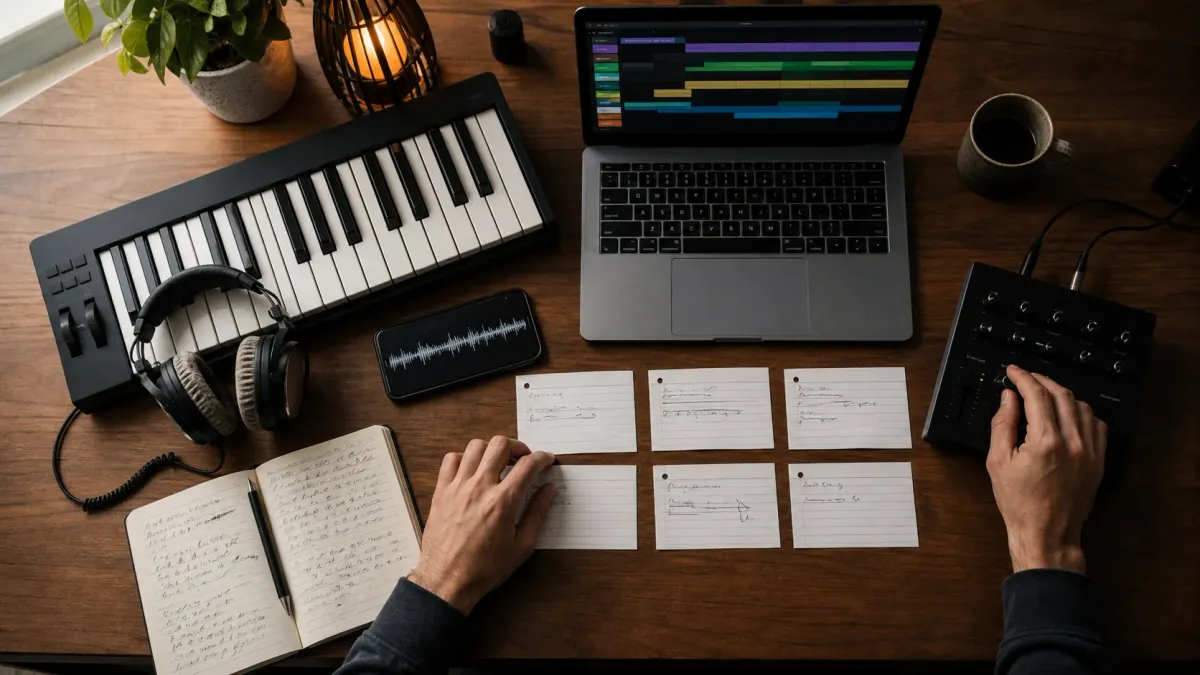
You give the tool a brief. That might include the genre, mood, instruments, pace, lyrics, singer, and length you have in mind. The clearer the brief, the easier it is for the tool to make a song that sounds close to what you imagined. Think of it like directing a session musician: “make it happy” is vague; “a gentle ukulele sing-along with one clear child voice and no long intro” gives them something useful to play.
Each take can sound different, even when you use the same brief. One version may have the better melody; another may have the clearer words or stronger ending. That is normal. Generate a small set of takes, compare them side by side, and change one thing at a time when you retry. If the song is nearly right, use an editing tool when available instead of starting the whole process again.
Lyrics need enough room to be sung. If you try to fit a long verse into a very short song, the vocals can rush and lines can disappear. If there are only a few lines but the song is long, the tool may repeat a chorus or add an instrumental section. Give each line breathing room, keep the sections clear, and let the finished audio decide the final video length.
Always listen to the finished take. Check that it sings the right words, keeps the voice and pace you wanted, starts and ends cleanly, and does not include anything unexpected. A transcript is useful for checking lyrics and safety, but your ears make the final call, especially when the song is for children or contains important wording.
The main types of AI music generators
Full AI song generators
A full AI song generator creates arrangement and vocals together. It is the closest thing to entering a description and receiving a finished record. Use it for original song concepts, demos, novelty music, nursery rhymes, educational songs, jingles, and social content where the complete performance matters more than access to every production stem. These systems are fast, but the rendered vocal and accompaniment can be difficult to separate or repair if the product does not provide editing controls.
Instrumental and background music generators
An instrumental generator creates music without a lead vocal. It is useful when speech, gameplay, product footage, meditation, or a visual story is the main subject. Prompting is different here: describe energy, instrument family, rhythmic density, emotional direction, and the role of the music under other audio. “Cinematic” alone is not enough. A documentary underscore beneath narration needs fewer attention-grabbing changes than a trailer cue or dance edit.
AI beat makers and loop generators
Beat-focused tools are useful for starting points rather than complete songs. They can generate drum patterns, bass grooves, melodic loops, samples, or short genre ideas that a producer arranges inside a digital audio workstation. This path gives more control because the creator decides when sections change, where vocals enter, and how the mix develops. It also requires more musical editing than a one-click full-song generator.
How to choose the best AI music generator for your project
| Need | Prioritize | Test before paying |
|---|---|---|
| Song from exact lyrics | Lyric adherence, section labels, vocal clarity | Whether later verses and edited lines are actually sung |
| Background music | Instrumental mode, loopability, predictable length | Whether the arrangement leaves room for narration |
| Commercial release | License terms, export quality, editing and stems | What rights apply to your plan and territory |
| Fast social content | Speed, short durations, repeatable style | Whether mobile exports sound clean after compression |
| Kids or educational songs | Clear diction, safe moderation, consistent singer | Whether every take is reviewed before publishing |
| Professional production | Stems, local editing, seed and variation controls | How well outputs survive a real mix and master |
Run a small benchmark with the same material. Use one lyric sheet, one instrumental brief, and one difficult line containing a name or unusual word. Generate several takes. Record the time, price, duration, lyric coverage, vocal consistency, audio artifacts, and how much editing the result needs. A beautiful first sample is less valuable than repeatable performance across five ordinary jobs.
- Can the model generate both vocals and instrumental-only music?
- Does it accept section labels such as verse, chorus, bridge, and instrumental?
- Can you choose target duration, tempo, key, language, voice type, or seed?
- Does it support retakes, extensions, lyric edits, remixing, or stem export?
- Are commercial rights included in the plan you intend to use?
- Are uploads retained, used for training, or removable according to the provider's terms?
- Can you preview the song before paying for a larger video or campaign workflow?
- Does the product moderate generated vocals and user-uploaded audio before publication?
A complete workflow for making a song with AI
The most efficient process separates writing decisions from generation decisions. Do not keep rewriting the concept, lyrics, voice, genre, and duration after every take. Lock the song's purpose first, prepare a clean input, generate a small group of comparable variations, and change one variable at a time. This makes it possible to understand why one version improved.
- 1Define the song's job. Is it an artist release, a children's rhyme, a product jingle, a podcast theme, a game loop, a meditation bed, or music under a video?
- 2Write a one-sentence creative brief with the audience, subject, emotional movement, and desired result.
- 3Choose vocal or instrumental. If vocals matter, decide whether you will supply exact lyrics, ask AI to draft them, or provide a melody or guide vocal.
- 4Set the musical frame. Choose genre, tempo range, groove, key or tonal mood, main instruments, singer character, production era, and energy curve.
- 5Draft the structure and duration around the real lyric density; do not stretch four lines into a two-minute vocal track.
- 6Generate a small take set. Keep lyrics and core prompt fixed while changing the seed or variation control so you can compare performances fairly.
- 7Audit for feeling, lyrics, pronunciation, arrangement, artifacts, and phone-speaker clarity; select the strongest central performance before repair.
- 8Correct targeted problems, finish the master, and save the lyrics, prompt, model, license, source files, captions, cover, and video assets together.
How to write an AI music prompt that produces a usable song
A weak music prompt names a mood: “make an uplifting song.” A stronger prompt explains what creates that feeling: moderate tempo, bright major-key harmony, a syncopated acoustic groove, handclaps in the chorus, a warm lead voice, a short melodic hook, and an arrangement that grows from a sparse verse into a wider final chorus. The generator now has musical behavior to follow instead of one abstract adjective.
“Create a [genre and use] song at [tempo or pace] with [groove], [main instruments], [vocal character], [melodic behavior], [section structure], [energy curve], and [production qualities]. Keep [constraints]. Avoid [unwanted styles, voices, instruments, or behaviors].”
Example for a children's song: Create a bouncy preschool sing-along around 105 BPM with ukulele, xylophone, glockenspiel, pizzicato strings, and soft handclaps. Use one clear, friendly child lead voice with no choir or spoken interjections. Keep phrases short, melody simple, and diction easy for ages two to six. Begin singing quickly, preserve the supplied lyric order, and avoid rap delivery, dramatic belting, dark harmony, or a long instrumental intro.
Example for background music: Create a calm modern technology explainer underscore at a steady mid-tempo pace. Use soft marimba pulses, muted plucks, warm bass, restrained electronic percussion, and light atmospheric pads. Maintain consistent energy under narration with no lead vocal, no sudden drop, no trailer-style impact, and no attention-grabbing solo. End cleanly rather than fading through an unresolved chord.
The seven most useful prompt fields
- Purpose: what the track must do: support narration, teach a lesson, energize a reel, open a podcast, or stand alone as a song.
- Genre and era: musical language, not a request to copy a living artist. Use traits such as 1990s boom-bap drums or modern acoustic pop production.
- Tempo and groove: slow, moderate, energetic, swung, straight, syncopated, four-on-the-floor, skipping, halftime, or another concrete rhythmic feel.
- Instrumentation: name a small core palette and the role each family plays instead of requesting every instrument you like.
- Voice: age range, tone, energy, diction, solo or ensemble, sung or spoken behavior, and language.
- Structure and energy: where the song expands, rests, repeats, introduces a hook, or reaches its peak.
- Constraints: no choir, no vocal, no long intro, no key change, no aggressive drums, no invented lyrics, or any other failure that would make the track unusable.
How to write lyrics that an AI singer can perform clearly
Lyrics that look good on a page are not automatically singable. The generator needs room to map syllables onto melody. Long sentences, irregular line lengths, dense internal rhyme, unexplained abbreviations, punctuation-heavy prose, and sudden language changes increase the chance of rushed delivery or missing words. Read every line aloud over a steady count before sending it to the model.
| Lyric issue | What the model may do | Better input |
|---|---|---|
| One very long line | Rush, skip, or compress words | Split it into two balanced singable lines |
| Too few words for duration | Add instrumental time or repeat sections | Shorten duration or intentionally repeat a chorus |
| Too many words for duration | Drop later verses or speed up vocals | Increase duration or remove low-value lines |
| Unusual name or spelling | Mispronounce or substitute it | Use phonetic spelling or a simpler phrase |
| Unclear section boundaries | Blend verses and choruses | Use consistent section labels and blank lines |
| Conflicting repeat instructions | Invent extra words or loop unpredictably | Write the repeated lyrics exactly where needed |
Use standard labels supported by the generator, commonly [Verse], [Chorus], [Bridge], [Intro], [Outro], and [Instrumental]. Keep capitalization and spelling consistent. Do not invent dozens of production commands inside the lyric field unless the tool documents them. Put musical direction in the style prompt and words in the lyric field so each control has one job.
For a short song, write the chorus first. It carries the title, central melodic idea, and repeated language. Then make each verse earn the return to that chorus. A useful nursery-rhyme structure might be Verse 1, Chorus, Verse 2, Chorus, short bridge or action section, final Chorus. A short jingle may only need setup, hook, benefit, hook. Structure should serve duration rather than imitate a full radio single automatically.
How to get better singing voices from an AI song generator
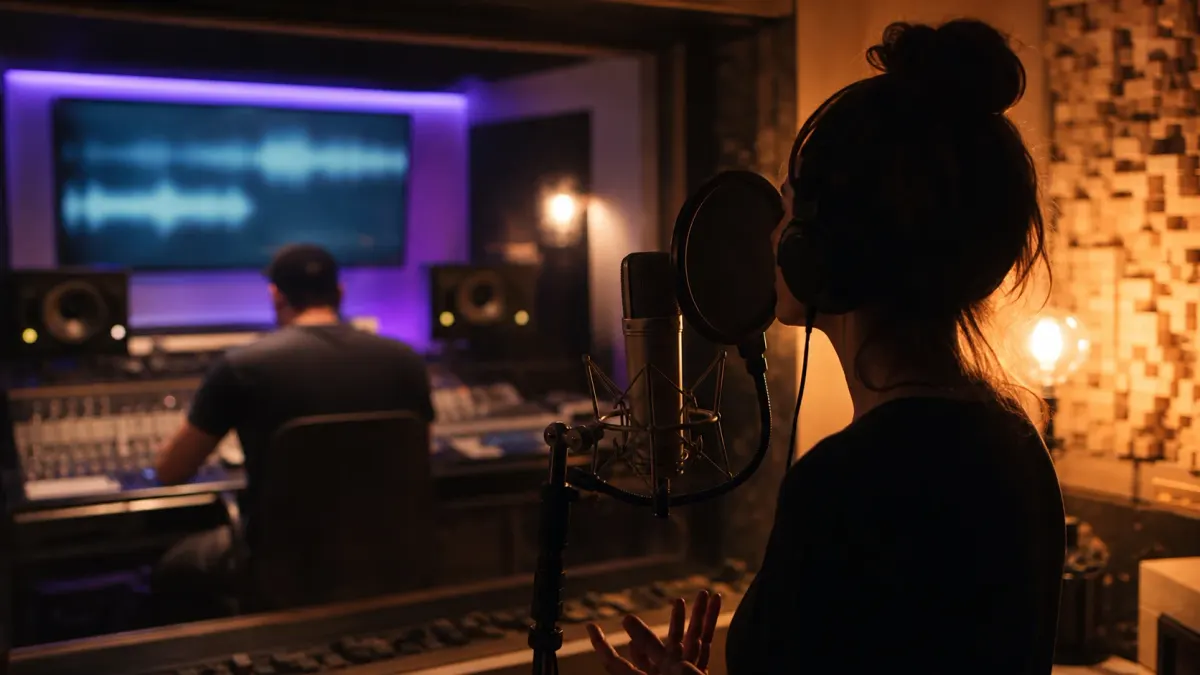
Describe one singer clearly. “Solo vocal” is less useful than “one consistent warm female lead, close and conversational in the verse, brighter but not belted in the chorus, clear diction, no backing vocals, no spoken ad-libs.” If you want a choir or duet, say how it behaves. Does the choir sing only the chorus? Does the duet trade lines or sing harmony? Undefined ensemble direction often produces random voice changes.
- Ask for one lead voice when consistency matters more than arrangement richness.
- Use punctuation and shorter lines to create breathing room instead of forcing the singer through prose.
- Write phonetic alternatives for names, acronyms, or uncommon words when the first take mispronounces them.
- Avoid asking for an imitation of a real singer; describe vocal traits and performance behavior instead.
- Generate multiple takes because the same instructions can produce very different performances.
- Listen for double voices, sudden accents, metallic consonants, smeared sibilance, clipped word endings, and unnatural vibrato.
- Check the final mix on phone speakers, headphones, and a quiet speaker because vocal masking changes by device.
Do not use speaker-count detection as a substitute for listening. Music transcription and diarization systems are designed around speech and may interpret harmonies, doubled vocals, or reverb unpredictably. They are helpful signals, not final judges. The creator should decide whether the vocal experience feels consistent enough for the intended audience.
Why song structure, tempo, and duration math matters
Many apparent model failures begin as duration failures. A lyric sheet has a natural performance length. Tempo changes that length, but not infinitely. At ninety sung words per minute, ninety lyric words need roughly one minute of active vocal time before instrumental intro, section gaps, held notes, and outro. Requesting thirty seconds forces compression. Requesting two minutes invites repetition or long instrumental passages.
Estimate vocal time from word count, then add headroom. Gentle songs need more because vowels are held and phrases breathe. Energetic songs can carry more words, although excessive density begins to sound spoken or rapped. Chorus repetition should be counted exactly if the lyric field repeats the chorus. The model cannot know whether a chorus label means “repeat the earlier text” unless its interface documents that behavior.
| Song type | Approximate sung pace | Useful lyric approach |
|---|---|---|
| Gentle lullaby | 65-85 words per minute | Short lines, held vowels, generous pauses |
| Preschool sing-along | 80-105 words per minute | Clear rhyme, repeated hook, simple phrases |
| Acoustic pop | 90-120 words per minute | Balanced verse lines and open chorus |
| Energetic dance-pop | 105-135 words per minute | Compact lines, rhythmic repetition |
| Rap or spoken rhythm | Highly variable | Explicit flow, bar structure, and specialist model |
Use these ranges as planning estimates, not musical laws. Melody may stretch a five-word line longer than a ten-word line. A repeated hook may occupy more time than a dense verse. After generation, use the actual audio duration to time captions and visuals. Never force a finished song into the duration initially predicted from text if the real performance runs longer.
An AI-generated song quality-control checklist
Review in passes so one attractive melody does not hide a broken lyric or artifact. First judge the song as a listener: would you replay it? Then judge the words, vocal, arrangement, audio quality, safety, and publishing readiness separately. Save notes with timestamps. “The chorus feels wrong” is difficult to act on; “second chorus changes singer at 0:54 and clips the final word” points to a repair or retake decision.
- 1Concept pass. Does the track feel like the intended genre, audience, emotion, and use case?
- 2Melody pass. Is the central hook memorable, singable, and distinct enough from the surrounding phrases?
- 3Lyric pass. Compare every supplied line with the actual vocal and mark missing, repeated, invented, or mispronounced words.
- 4Vocal pass. Check singer consistency, phrasing, diction, breath, pitch behavior, harmonies, ad-libs, and synthetic artifacts.
- 5Structure pass. Confirm the intro is useful, sections arrive at the right time, energy develops, and the ending feels intentional.
- 6Arrangement pass. Listen for instruments fighting the vocal, excessive density, repetitive loops, random transitions, or a weak low end.
- 7Technical pass. Check clicks, clipping, distortion, abrupt cuts, unstable stereo image, excessive loudness, and compression damage.
- 8Safety pass. Transcribe the vocal and review it for inappropriate or unintended generated content before sharing, especially for children.
- 9Device pass. Test headphones, phone speaker, laptop, and a quiet room; a mix can hide problems on the system where it was generated.
- 10Release pass. Verify title, credits, rights, disclosure, clean and instrumental versions, artwork, captions, and master file naming.
Automatic checks can help detect silence, duration, unsafe language, missing audio, or a transcript that diverges sharply from the lyric sheet. They should not replace creative approval. Singing often includes repetition, harmony, vocalization, and pronunciation that a speech recognizer handles poorly. A strict numeric validator may reject a useful take; no validation at all may let an inappropriate or broken take reach a child audience. Let the automatic checks catch safety problems, and keep the final quality call yours.
Using an AI background music generator for videos and podcasts
Background music succeeds when it supports the primary content rather than demanding attention. Under narration, avoid busy lead melodies, abrupt transitions, extreme bass, and frequent cymbal crashes. Ask for controlled variation and match the energy to the editorial arc: a tutorial needs a stable cue, a story can build tension and release, and meditation needs slow, unsurprising development.
- State “instrumental only” and reinforce it with “no vocals, lyrics, spoken words, choir, or vocal chops.”
- Describe the role under speech: restrained, consistent, supportive, and without a dominant lead line.
- Request a clean ending when the video has a fixed conclusion, or loop-safe phrasing for continuous playback.
- Generate slightly longer than needed when you expect to trim; do not stretch short audio to fit a long scene.
- Keep music on a separate track so level changes, ducking, replacement, and licensing records remain manageable.
- Test the mix with captions off and eyes closed to confirm every spoken word remains understandable.
For faceless video, the music choice should follow the narration and scene plan. FacelessGenie can generate or accept music inside a larger pipeline while keeping the voiceover, captions, generated visuals, animated clips, and final render connected. If the song itself is the content, use a music-first or Kids Rhyme format instead of placing a second narrator over the track.
How to turn an AI-generated song into a music video
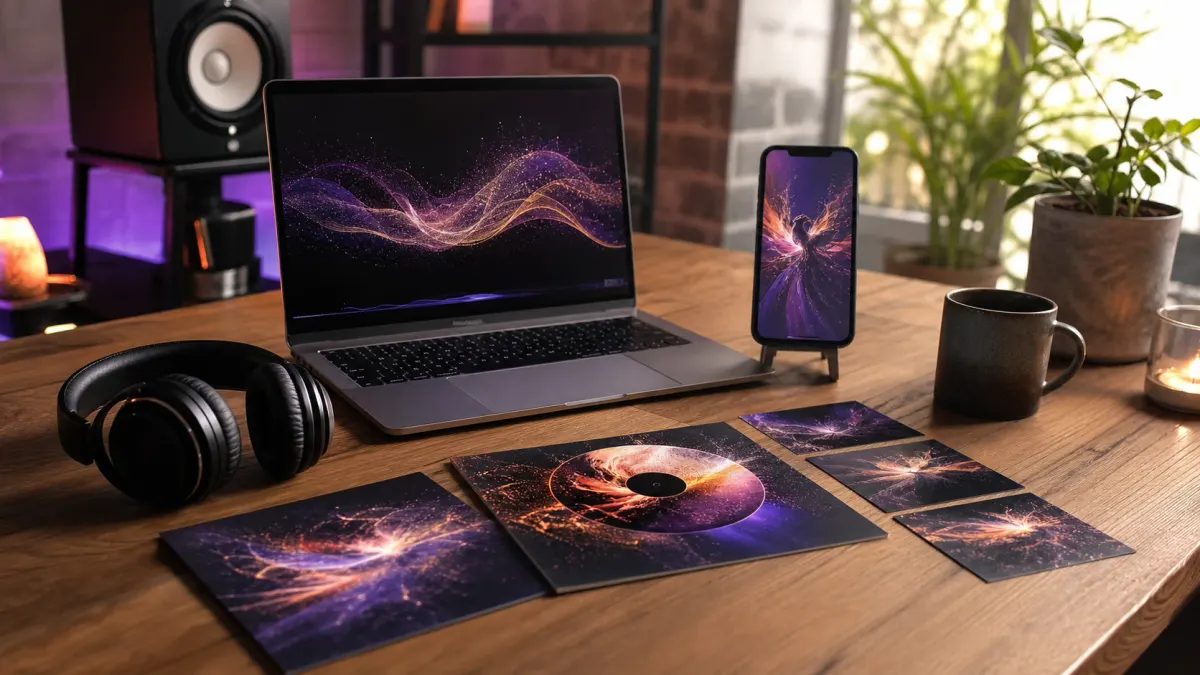
Approve the song before generating expensive visuals. The final audio determines scene count, caption timing, beat changes, section boundaries, and duration. If you animate a draft and later choose a longer take, every visual timestamp moves. Lock the master first, then transcribe lyrics, mark intro, verse, chorus, bridge, drop, and outro, and assign visual changes according to those sections.
The simplest visual package is often the most useful: one full 16:9 visualizer or lyric video, one 9:16 chorus clip for Shorts, Reels, and TikTok, one loop for a streaming profile, one square or 4:5 feed teaser, and one thumbnail or cover frame. These assets can share the same color, characters, locations, and typography without being identical crops.
For a narrative song, map images to meaning rather than illustrating every noun literally. Verses can introduce actions and locations, the chorus can return to a recognizable hero composition, and the bridge can create a visual change before the final payoff. For nursery rhymes, each short lyric line can become one clear animated action with a consistent character and simple environment. Keep clothing appropriate to the character and context, and review every generated frame before publication.
For a detailed release workflow, read the AI music video generator guide. If the goal is a sung children's video, the nursery rhymes guide covers age-appropriate concepts, visual repetition, learning goals, and series planning.
AI music copyright, licensing, disclosure, and artist imitation
Copyright and commercial-use questions do not have one universal answer. They depend on the human contribution, the provider's terms, the underlying materials, the country, the distribution platform, and what exactly a person wants to protect. A tool's commercial-use permission is a contract question. Copyrightability is a legal question. Freedom from infringement claims is another question. Do not collapse all three into “royalty-free.”
The U.S. Copyright Office's AI copyrightability report explains that using AI as an assistive tool does not automatically prevent copyright protection, while protection still depends on sufficient human authorship. A prompt alone may not give the creator control over every generated musical element. Human-written lyrics, performed parts, selection, arrangement, editing, and other original contributions should be documented carefully.
Read the exact terms of the model and plan used for the final take. Save the date, receipt, license page, model name, prompt, lyric sheet, source recordings, and editing session. If the provider changes terms later, a project record helps establish which rules applied when you created the track. If a client or distributor requires warranties beyond what the tool provides, get legal advice before release.
Avoid prompts that request a clone of a living artist or a recognizable voice without permission. Describe musical traits instead: breathy close-mic alto, sparse minor-key piano ballad, dry 1980s drum-machine texture, or energetic call-and-response chorus. Artist names may feel like an efficient shortcut, but they introduce ethical, platform, publicity-rights, and similarity risks that a trait-based brief avoids.
Platforms may require disclosure. YouTube's altered or synthetic content guidance includes synthetically generated music among examples and provides an upload disclosure setting. YouTube states that disclosure itself does not reduce audience reach or monetization eligibility. Music partners also have metadata routes for identifying fully or partly generative-AI content. Check current platform rules at upload time because policies change.
Watermarking and provenance systems are also developing. Google DeepMind says SynthID can embed an imperceptible watermark in audio generated or published through Lyria and certain other Google audio experiences. Not every music model uses the same provenance method, and the absence of a visible label does not mean the audio is human-made or free of obligations.
How much does it cost to generate music with AI?
| Cost layer | What you are paying for | How to control it |
|---|---|---|
| Lyrics or brief | LLM writing and revisions | Approve text before music generation |
| Song takes | Music-model inference | Generate small comparable batches |
| Transcription | Lyric timing and safety review | Reuse approved captions with the selected audio |
| Editing and mastering | Cleanup, stems, mix, loudness, export | Select a strong core performance before repair |
| Visual generation | Images, animation, captions, rendering | Lock the song before generating scenes |
| Distribution | Aggregator, storage, marketing assets | Create one coherent release package |
You see the credit cost of a song preview before you generate it, and a failed preview is refunded automatically. Uploading a finished song costs nothing. The full animated video still has its own image, video, caption, and render costs because those stages run after the song is approved.
Common AI music generator mistakes and how to fix them
Mistake 1. Prompting with only genre and mood
“Happy pop song” leaves voice, tempo, groove, instruments, audience, structure, hook behavior, and production density undefined. Add the few musical traits that create the desired result. Do not add twenty adjectives; choose a coherent hierarchy.
Mistake 2. Forcing lyrics into the wrong duration
Dense lyrics in a short duration create rushed vocals and missing lines. Sparse lyrics in a long duration create repeats and instrumental gaps. Estimate from word count and tempo, generate, then let the approved audio determine the final video duration.
Mistake 3. Treating the first take as the final master
The first take proves that the pipeline works. It does not prove that the melody, singer, words, mix, or structure are the best available. Generate a small set, compare them with the same checklist, and select intentionally.
Mistake 4. Assuming the model followed the lyrics because the request succeeded
A successful API response means audio was generated. It does not mean every submitted line was sung. Transcribe and listen to the output. For a child audience, also moderate the actual transcript rather than only the original lyric field.
Mistake 5. Asking to copy a famous artist
Replace the artist name with musical traits: vocal register, phrasing, tempo, rhythm, instrument palette, production era, emotional distance, and section dynamics. The result is more controllable and less dependent on imitation.
Mistake 6. Keeping no project or license record
Save prompts, lyrics, model settings, plan terms, receipts, generated files, edits, and publishing disclosures. A clean archive is part of professional AI production, especially when music moves between clients, channels, distributors, and video projects.
Mistake 7. Generating visuals before approving the song
The song controls timing. Changing it after scene generation breaks lyric captions, section mapping, visual duration, and beat synchronization. Preview and approve the audio first, then use that exact file for every downstream asset.
Frequently asked questions
The best AI music generator depends on the job. For exact lyrics, prioritize lyric adherence, vocal clarity, section control, and editing. For video background music, prioritize instrumental mode, predictable duration, licensing, and clean endings. Test the same brief across several takes instead of choosing from one polished demo.
Ship your first faceless video today.
Pick your niche. Pick your models. We render. From idea to finished short in under 7 minutes — no camera, no editor.
Keep reading
Best AI Music Video Generator for Visualizers and Canvas
One song can become six release assets, from a Spotify Canvas loop under $2 to a full lyric video, built from one visual system instead of five separate tools.
Nursery Rhymes for Kids, Made as Original AI Songs
A single nursery rhyme can rack up 80-150M views over three years: more replay value than almost anything else on YouTube Kids. Here's the full AI playbook for writing, singing, animating, and captioning original rhymes without a microphone, a singer, or a studio.
How to Start a Faceless Channel in 2026 (Complete Guide)
A practical, cross-platform system for turning one clear channel idea into original YouTube videos, Shorts, faceless Reels, and TikToks without appearing on camera.