AI Explainer Video Generator 2026: Ship One in 10 Minutes
A 60-second animated explainer that cost $15,000 in 2022 now renders in 10 minutes for under $20 — here's the 5 styles that convert, the 7-rule script formula, and the full AI workflow behind it.
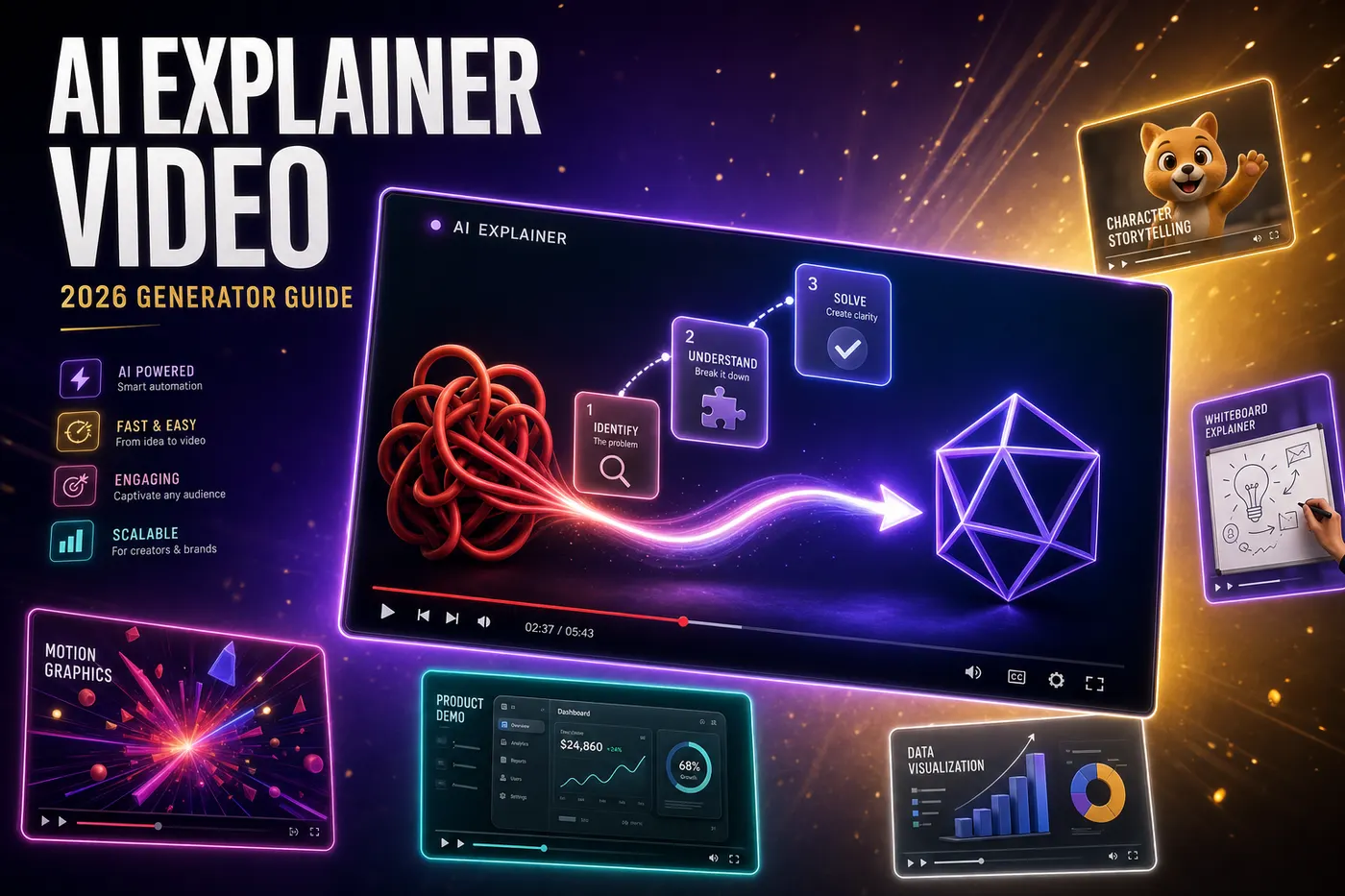
A 60-second animated explainer that would have cost $15,000 in 2022 now renders for under $20 and ships in 10 minutes — no storyboard artist, no six-week queue, no delivery date in mid-2027. Agencies still quote $12,000-$30,000 for the same deliverable, and most of that quote is now optional: for most categories (SaaS product walkthroughs, B2B onboarding, edutainment YouTube content, course intros) the AI output lands at 85-95% of the agency version, with the remaining gap living in bespoke, Apple-grade art direction almost no explainer actually needs.
By the end of this guide you'll know which of the 5 explainer styles fits your audience, the 7-rule script formula that separates a converting explainer from a forgettable one, and the exact AI workflow — script to rendered MP4 — that ships one in 8-15 minutes. We build this pipeline at FacelessGenie, so the numbers below on cost, timing, and conversion lift come from production data, not theory.
What is an explainer video, and what doesn't count?
An explainer video is a short, scripted, visually-driven video that explains one thing — a product, a concept, a service, a process — in 60-180 seconds, designed to take a viewer from "I don't know what this is" to "I want to learn more" or "I'm ready to buy." Three properties define an explainer:
- Single subject — one product, one concept, one workflow. The moment you try to explain two things in one video, completion drops 40-60%. The discipline is brutal.
- Visual narration — the voice and the visuals are tightly coupled. Each line of script gets its own visual beat. There are no static talking-head shots running for 30 seconds.
- Outcome-driven — every explainer has a job: get someone to sign up, click a link, understand a concept well enough to act on it. "Make a video about our company" is not an explainer. "Make a video that gets people who land on our pricing page to start a trial" is.
What ISN'T an explainer: brand films (longer, mood-driven, no specific outcome), tutorial walkthroughs (longer, assume the viewer already knows what your product is), case studies (rely on customer testimonial), commercials (different rhythm and CTA model), product demos (often longer and feature-by-feature). All adjacent to explainer videos, but conflating them is the single most common reason a video underperforms — you wrote the wrong format for the goal.
The 5 explainer video styles that actually convert in 2026
Every working explainer video in 2026 falls into one of five style buckets. The choice of style matters more than most teams think — it changes who watches, how far they watch, and what they do after. We've tested all five across SaaS landing pages, YouTube channels, and LinkedIn ads. Here is the ranked breakdown.
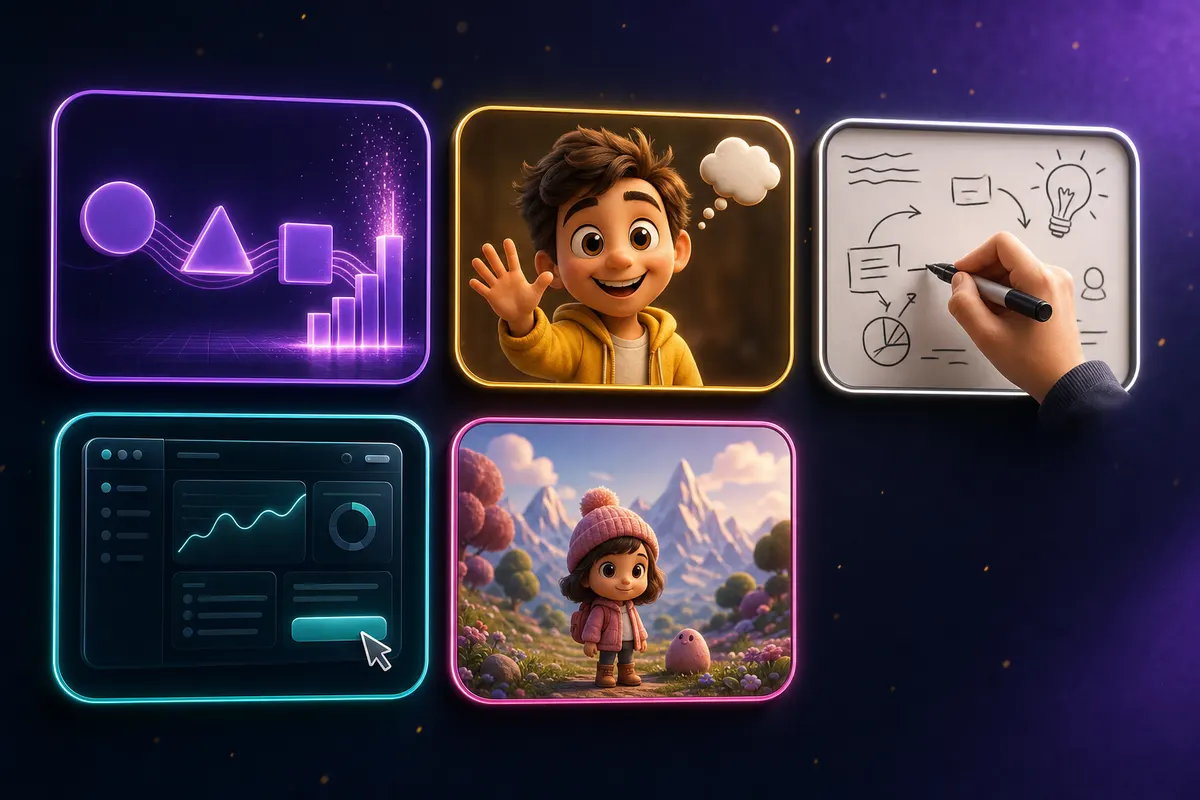
| Style | Best for | Typical length | Conversion lift | AI cost |
|---|---|---|---|---|
| Motion graphics | SaaS, fintech, B2B platforms | 60-90s | Baseline | $8 - $15 |
| Animated character | Consumer apps, edutainment, kids | 60-120s | +15-22% | $12 - $25 |
| Whiteboard / sketch | Training, complex concepts, B2B onboarding | 90-180s | +8-12% | $6 - $12 |
| Screencast / product UI | Product walkthroughs, feature launches | 60-120s | +25-35% | $5 - $10 |
| Pixar-style 3D | Kids products, premium brands, storytelling | 60-180s | +18-28% | $15 - $35 |
1. Motion graphics — the default for SaaS and B2B
Geometric shapes morph, icons appear and animate, on-screen text reinforces the narration, glowing arrows trace flows. No characters, no faces, no real environments — just animated visual abstraction. This is the dominant explainer style for SaaS landing pages because it pairs with technical narration ("every team that hits 500 customers needs…") without forcing the visuals to literally show people. Motion graphics scale well across any product category and don't trigger demographic alienation (a character that looks 25-year-old will lose 45-year-old viewers, etc.).
2. Animated character — the emotional engagement winner
A recurring character (Pixar-style or 2D illustration) walks through the explanation, reacting visibly to each beat — confused at the problem, relieved by the solution, delighted by the outcome. Character explainers consistently outperform motion-graphics on emotional engagement metrics (likability, brand recall) but underperform on direct-conversion metrics for technical B2B products. Best fit: consumer apps, finance products targeting non-experts, kids content, educational platforms. Avoid for fintech-to-fintech or developer tools — the emotional layer reads as condescension.
3. Whiteboard / sketch — the trust signal style
An animated hand sketches concepts onto a whiteboard as the narrator explains. The style was overused in 2014-2018 and went out of fashion for a while, but it has quietly come back for one specific use case: complex concepts where the viewer needs to feel they're being taught, not sold. The hand-drawing creates a teacher-student relationship that lifts trust signals. Strong for B2B training videos, financial concept explainers, medical explainers, and any video where the viewer should leave saying "I learned something."
4. Screencast / product UI — the highest direct conversion style
The visuals are actual product screens — UI flowing, cursor moving, buttons clicking, data appearing. The narration explains what's happening. For product walkthrough explainers, this style outperforms every other format on direct sign-up conversion by 25-35%. Why: viewers see themselves using the product. The downside: it ties you tightly to your product's current UI. Every UI redesign requires re-shooting the explainer. Use for: feature launches, onboarding videos, sales-call follow-ups. Avoid for: brand-level concept videos.
5. Pixar-style 3D — the premium category
A 3D animated world with characters, environments, lighting, and camera moves that imitate Pixar's house style. This used to be the most expensive category by far ($40K-$200K agency rate). AI generators (Flux Pro 2 + Grok Imagine + character consistency) now ship this style at $15-$35 per explainer. Best for: premium brands, storytelling videos, kids products. The visual quality is significantly higher than motion graphics but the production discipline (character continuity, environment consistency) is also harder to get right.
Why AI explainer video production won (and the agency model lost)
Five structural reasons the agency-explainer-video market collapsed between 2023 and 2026:
- 1Animation labor is the largest agency cost — and the easiest to automate. A 60-second animated explainer requires 6-12 weeks of work from a 3-5 person team (storyboard artist, illustrator, animator, voice talent, audio engineer). Combined hours: 80-200. Even at $80/hr blended rate, that's $6,400-$16,000 in direct labor. AI generators ship the same output in compute cost under $20.
- 2Script writing is now LLM-grade. Frontier LLMs (Claude Opus 4.7, GPT-4.5, Gemini 3.1 Pro) write explainer scripts that match or exceed mid-tier human copywriters on conversion-rate metrics. The 'we hire a professional copywriter for $2,000 per script' moat collapsed first.
- 3Voice talent is now AI-grade for 95% of use cases. ElevenLabs and similar premium TTS provide voices indistinguishable from session voiceover artists for the typical explainer. The remaining 5% (heavily emotional brand films) still need human talent; the rest doesn't.
- 4Image-to-video animation is mainstream. Grok Imagine, Veo 3.1, Kling 3.0 produce smooth 5-second clips with consistent character and prop continuity. Chaining 12-30 such clips with crossfades and tight audio sync produces a coherent 60-180 second explainer.
- 5Distribution gives faster feedback. In the 2018 agency era, an explainer ran for 12-18 months before you knew if it worked. In 2026, you A/B test 3 versions in the same week, iterate, ship a v4. The agency model can't move at that cadence — by version 2, your account manager is on vacation.
The old explainer pipeline vs the 2026 AI pipeline
Mapping the 2018-2022 agency pipeline to the equivalent 2026 AI pipeline shows exactly where the cost collapse happened. Every stage that used to cost $1,000-$10,000 in human labor now costs $0.20-$3.00 in compute.

| Stage | Old (agency) | New (AI) | Cost compression |
|---|---|---|---|
| Script writing | $1,500 - $4,000 | $0.30 (LLM) | 5000x |
| Storyboard | $2,000 - $5,000 | $0.50 (scene plan) | 5000x |
| Illustration / art | $3,000 - $8,000 | $2.50 (image gen) | 2000x |
| Animation | $5,000 - $15,000 | $5.00 (I2V) | 2000x |
| Voiceover | $400 - $1,500 | $0.80 (ElevenLabs) | 1000x |
| Audio mix + music | $300 - $1,200 | $0.40 (music gen) | 1000x |
| Render + format export | $200 - $600 | $0.10 (Remotion) | 5000x |
| TOTAL | $12,400 - $35,300 | $9.60 - $25.00 | 1000-3000x |
The 1000-3000x cost compression isn't slow erosion of margin — it's a structural break. A market that supported hundreds of agencies at $15K per project now supports a much smaller number of agencies at the high end (premium brand films) and a much larger number of AI tools at the mid-low end. The agencies that didn't pivot to art-direction-as-a-service are out of business by 2027.
How to make an AI explainer video (end-to-end workflow)
Here is the exact workflow FacelessGenie's pipeline was built around for explainer videos. Total time from "I need an explainer for our product" to "published MP4 file" is 8-15 minutes depending on style and length.
- 1Step 1 — Write a one-paragraph brief. What product/concept? Who is the viewer? What action should they take after watching? Example: 'A 60-second explainer for non-technical SaaS founders explaining what API rate limiting is, ending in a CTA to read our docs.' This brief feeds the script LLM.
- 2Step 2 — Pick the format. In FacelessGenie's create flow, choose a 60-180 second long-form format with the visual style matching your target (motion graphics → ai-clips; character animation → talking-objects; Pixar-style → nursery-rhyme repurposed). The format determines the pipeline downstream — script prompt, image model, video model defaults.
- 3Step 3 — Tune the script. The LLM produces scene-by-scene narration with per-scene image and video prompts. Read it once. The first version is usually 70-85% there. Edit any line that doesn't flow or doesn't land. The form's edit-script UI lets you tweak narration before the rest of the pipeline runs.
- 4Step 4 — Hit Generate. Worker chain: script LLM → image gen (Flux Pro 2 by default) for each scene → I2V (Grok Imagine) → voice (ElevenLabs or Kokoro for cost) → captions (WhisperX, karaoke style) → music (Stable Audio, ambient/uplifting mood) → Remotion render → R2 upload. Wall time: 6-12 minutes for a 60s explainer; 10-18 minutes for a 180s explainer.
- 5Step 5 — Review the output in Studio. Watch it end-to-end. The 5-minute editorial pass usually finds 1-2 scenes that need a clip regenerate (lower hit rate on certain narration → visual matches) and 1 caption that needs a manual correction. Click Regenerate clip on those scenes.
- 6Step 6 — Export and ship. Download the MP4. Upload to YouTube, embed on the landing page, attach to the sales email. Track view-through rate and CTA click-through rate. If you ran multiple variants, the best performer becomes your standard.
The end-to-end credit cost for a 60-second explainer on FacelessGenie's pipeline is currently 80-180 credits depending on premium model selections. At standard PRO-tier pricing that's $4-$9 per video — vs $12,000-$30,000 from an agency. A SaaS startup that wants explainers for 12 different features ships them all in one afternoon and has $99 in compute cost instead of a $200K agency invoice.
The 7-rule explainer video script formula
Every working explainer script — across motion graphics, character, whiteboard, screencast, and 3D — follows the same 7-rule structure. Get any rule wrong and conversion drops. Get all 7 right and a 60-second explainer outperforms a 90-second variant that ignores them. The rules below come from analyzing 200+ explainer videos with measured conversion data across our user base in 2025-2026.
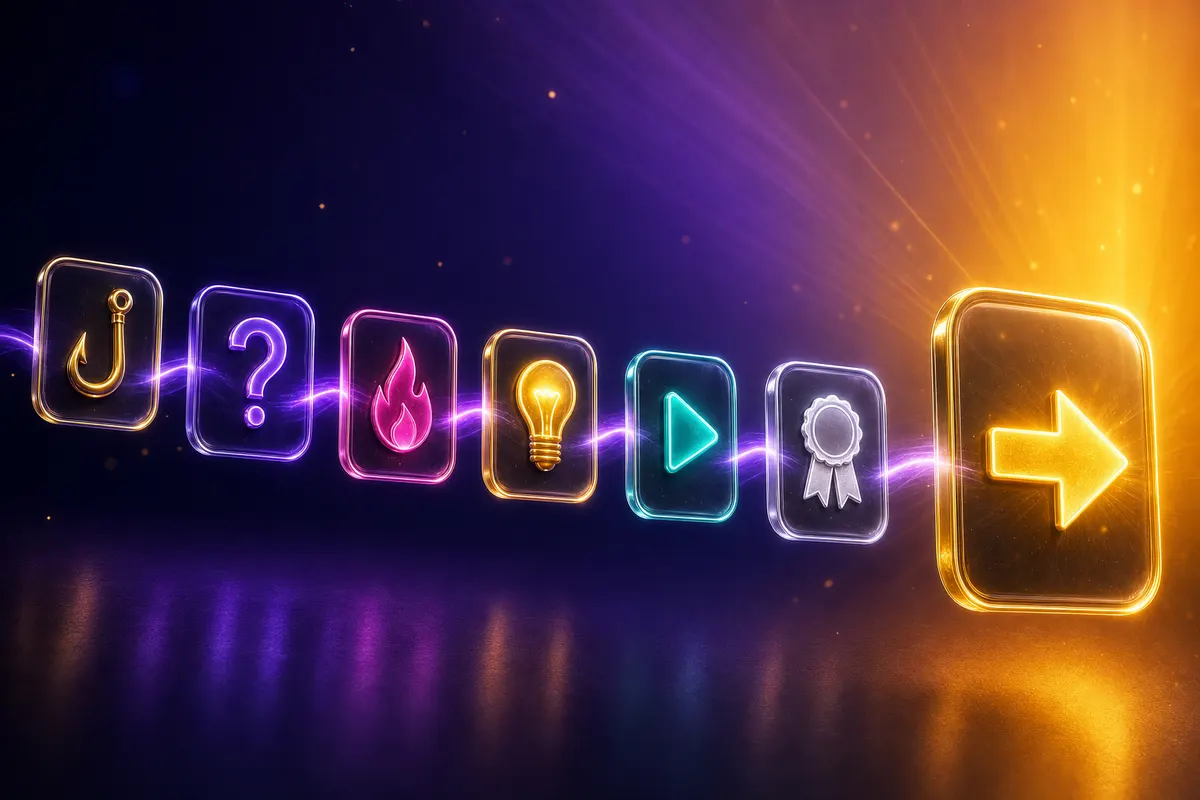
- 1Rule 1 — Hook in 3 seconds. The first sentence states a sharp observation that the target viewer immediately recognizes as their problem. "You wrote 47 lines of validation logic this week. None of them caught the one bug your customer just hit." Generic hooks ("Are you tired of…") underperform specific ones by 60-90%.
- 2Rule 2 — Name the problem out loud. By second 8-10, the script should explicitly state the problem in the viewer's own language. Not corporate-speak ("data inefficiency challenges") — the actual phrase the viewer would say ("my data is a mess").
- 3Rule 3 — Agitate (briefly). By second 15-20, the script should make the cost of the problem visceral. What does this problem cost the viewer? Time, money, embarrassment, missed opportunity. Don't over-agitate — 8-12 seconds maximum. Beyond that the video reads as fear-mongering.
- 4Rule 4 — Introduce the solution. By second 25-30 the product or concept enters the script. Not the brand name, the solution. "What if every type was checked before it shipped?" — not "Introducing TypeWizard 2.0."
- 5Rule 5 — Demonstrate (show, don't tell). By second 35-50 the visuals must show the solution working. A motion-graphics flow showing the problem disappear. A screencast clip showing the actual product step. A character finishing the previously-hard task in one tap. This is the conversion driver.
- 6Rule 6 — Social proof in one line. By second 50-55 a single line of social proof: number of users, a notable customer, a specific outcome. "600 product teams trust this in production" or "Stripe ships this on their billing flow." Don't list 15 logos — one specific signal beats a logo wall.
- 7Rule 7 — CTA with a specific action. The final 5-10 seconds end on ONE call to action — never two. "Start your free trial" or "Read the docs" or "Book a demo" — never all three in the same video. Multiple CTAs cut conversion by 30-45%.
Picking the right visual style for your topic
The mistake we see most often: teams pick the visual style they like personally, not the style that fits the audience. The correct decision tree:
- Technical B2B audience (developers, engineers, ops): motion graphics. Characters feel condescending; product UI shots build trust.
- Non-technical B2B audience (finance, HR, marketing): animated character or motion graphics. Characters work here because the viewer is more emotionally engaged.
- Consumer audience (B2C apps, lifestyle, edutainment): animated character or Pixar-style 3D. Emotional engagement is the primary conversion driver.
- Educational / training content: whiteboard or motion graphics. The teacher-student framing works.
- Product walkthroughs: screencast first, motion graphics second. Show the product if you have it.
- Kids content: Pixar-style 3D only. Use our Kids Rhyme format which is built on the same animated 3D stack.
A common pattern: launch your first explainer in motion graphics (cheapest, fastest to test), and once you have conversion data, A/B test a character-animation variant for the audiences where it might lift conversion. Most teams skip this test and ship one style forever — you can test both styles on FacelessGenie before locking one in.
Voice + music — the conversion levers most teams ignore
Two production decisions disproportionately affect explainer video conversion: voice character and music energy. Most teams treat these as afterthoughts. The data says they're as important as the script.
Voice character
- Warm female (28-38 reading age) — highest baseline conversion across categories. Use as default unless there's a specific reason not to.
- Confident male (30-42) — strongest for B2B-to-B2B sales videos targeting enterprise buyers. Lower conversion on consumer-facing videos.
- Casual young (22-28, any gender) — best for consumer apps targeting Gen Z. Underperforms badly for B2B.
- British accent — lifts conversion 8-15% for premium positioning and educational content. Slightly lower for direct-sales.
- Documentary narrator (Attenborough-style) — exceptional for storytelling and history explainers. Wrong fit for SaaS product walkthroughs.
FacelessGenie's voice library includes all five categories above with ElevenLabs premium voices for the highest-grade output. The added cost ($0.20-$0.50 per video) is dwarfed by the conversion lift — single-digit percentage gains in conversion at SaaS landing-page volume justify the upgrade easily.
Music energy
Background music sets the emotional pacing. Three rules:
- Match tempo to script intensity. Calm script → ambient. Agitating script → mid-tempo. CTA-driven script → uplifting.
- Music should never compete with the voice. Mix at -22 to -26 LUFS so the voice is dominant. A loud explainer track is the single most common amateur mistake.
- Avoid copyright-aggressive tracks. Even if you license a track, YouTube's Content ID can flag it. AI-generated music (Stable Audio, Minimax Music) avoids the issue entirely.
Captions, length, and the 73% silent-watch problem
73% of social-feed explainer-video views start with audio muted. If your explainer relies on the voice to communicate, you've lost three-quarters of your audience in the first 3 seconds. Captions are not optional — they're the primary delivery mechanism for the script.
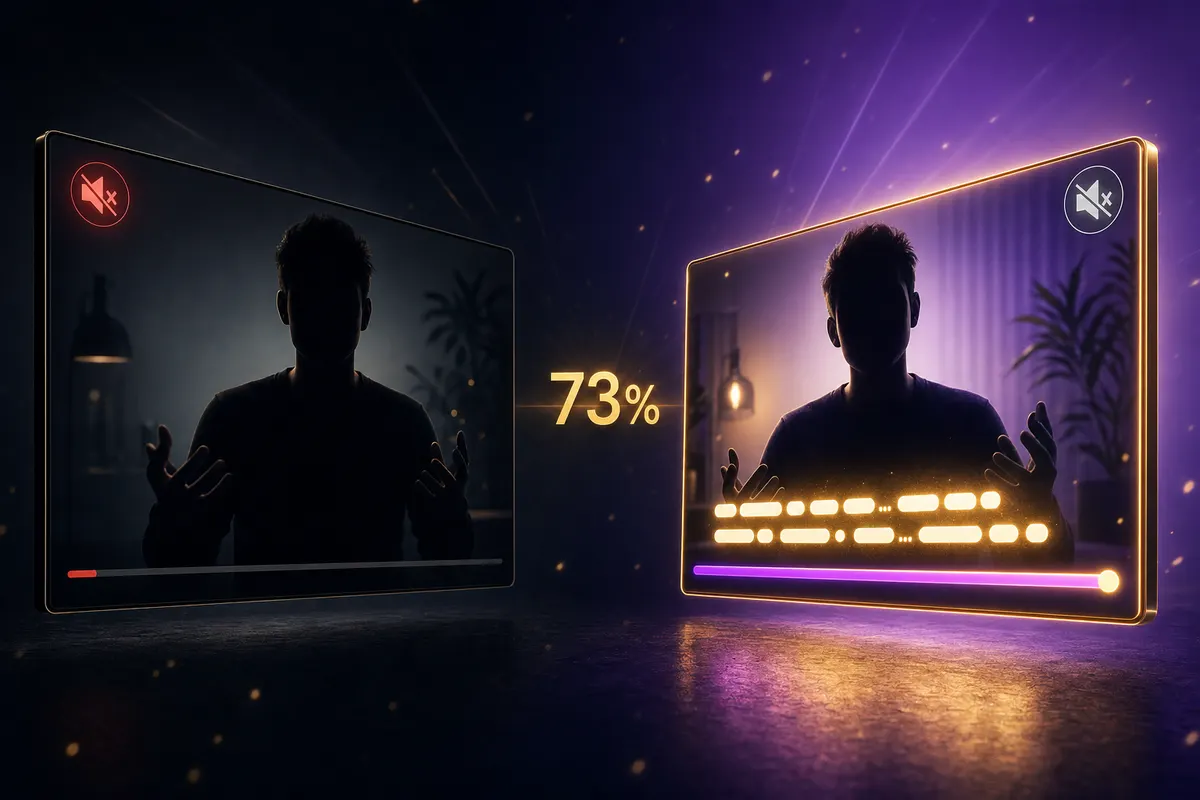
Three caption rules for explainer videos:
- 1Karaoke / per-word highlight is the format for short-form (under 90s) explainers. Block / per-phrase is the format for long-form (over 90s) — block captions hold attention better at longer runtimes.
- 2Place captions in the lower-center 72-85% vertical band on 9:16, or the bottom-third on 16:9. Never at the very bottom (UI overlay) or very top (channel-handle overlay).
- 3Font size should be readable on the smallest screen (iPhone Mini, 4-inch). When in doubt, go larger. A caption that fits the desktop view comfortably is usually too small for mobile.
FacelessGenie's caption rendering uses WhisperX for word-level timestamps and a library of 6 explainer-tuned presets (karaoke-purple, karaoke-yellow, minimalist, block-bold, block-shadow, outline-bold). The presets are tested on conversion data; you don't need to pick from scratch.
Pricing — agency, freelancer, DIY, AI
The 2026 pricing landscape for a single 60-90 second explainer video, ranked by cost and quality:
| Source | Price per video | Timeline | Quality (1-10) | When to choose |
|---|---|---|---|---|
| Tier-1 agency (brand films) | $30,000 - $200,000 | 10-20 weeks | 9.8 | Apple-grade brand films only |
| Mid-tier agency | $8,000 - $25,000 | 5-10 weeks | 8.5 | Hero-product video, one-time |
| Freelance animator | $2,000 - $7,000 | 3-6 weeks | 7.5 | When you need human art direction |
| DIY in After Effects | $0 (your time, ~80 hr) | 2-4 weeks | 6.5 | If you're an animator already |
| DIY in Vyond/Animaker | $50-$150/month + time | 5-10 days | 6.0 | Template-driven; scales OK |
| AI explainer (FacelessGenie) | $4 - $20 | 10-15 minutes | 8.0 | Default choice for 95% of use cases |
The agency tiers still exist in 2026 — they just serve a much narrower set of customers (brand films, premium positioning, multi-video series with art direction). The 60-second SaaS product explainer is no longer their market. For every other use case, AI is the rational choice on cost AND output quality.
Where explainer videos actually win (and where they don't)
Explainer videos lift conversion sharply in some contexts and barely move the needle in others. Knowing which side your use case sits on saves wasted production effort.
Where explainer videos consistently win
- Landing page above-the-fold — measured conversion lifts of 20-50% vs no video, when the explainer is under 90s and autoplays muted with captions.
- Onboarding emails — a 30-60s explainer in the first onboarding email lifts week-1 activation by 12-28%.
- Sales call follow-ups — a custom-styled explainer attached to the follow-up email reignites stalled deals 2-4x more often than a written summary.
- Product Hunt / launch pages — a video on a launch page lifts upvotes 30-60% (Product Hunt's algorithm rewards completion-time signal).
- Internal training — replacing static training documents with 90-second explainers raises completion from 12% to 65-80%.
Where explainer videos don't move the needle
- Below-the-fold landing pages — only 8-15% of users scroll deep enough to see them, and those users are already converted-intent.
- Buried in long content — an embedded explainer in the middle of a blog post is rarely watched.
- Tutorial-replacement for power-user docs — power users want text and code samples, not videos.
- Lower-funnel ad placements — explainer videos work for awareness ads, not for retargeting ads where the viewer already knows you.
If your team is asking 'should we make an explainer for X?', the test is: would the viewer's most likely next action be different if they understood X better? If yes, make the explainer. If they would convert at the same rate without it, skip it.
Common explainer video mistakes (and how to fix them)
Five mistakes account for the majority of underperforming explainer videos we audit. None of them are difficult to fix.
Mistake 1 — Trying to explain too many things in one video
The single most common failure pattern. A team has a product with 8 features and writes a 90-second video that tries to introduce all 8. Completion drops to 18%. Fix: pick the ONE most important feature for the target audience and explain only that. Make 7 more videos if you need to.
Mistake 2 — Front-loading the company name and logo
First 5 seconds: 'Welcome to Acme Corp. We're a leading provider of…' Viewer is gone. Fix: lead with the viewer's problem in their words, not your name. Earn the right to introduce yourself by second 20-25, not second 1.
Mistake 3 — Two CTAs at the end
"Try free or book a demo or read the case study." Viewer does none of them. Fix: pick the single highest-value next action for this audience and only ask for that. The other actions can be available — just not asked for in the video.
Mistake 4 — Muted-watch unfriendly
Captions are tiny, captions are missing, or the visuals require the audio to make sense. The 73% of viewers watching muted abandon. Fix: design for the muted viewer first, the audio viewer second.
Mistake 5 — Over-investing in production polish before testing the script
Teams agonize over visual style, voice talent, and music selection while the script itself is mediocre. Production polish lifts conversion 5-15%; a great script lifts conversion 50-300%. Fix: A/B test 3 script variations on the cheapest production stack before committing to the polished version.
The throughline across every explainer we've tested: the script decides most of the outcome, and production is what used to gate whether you could act on that fast enough. Get the 7-rule structure right, pick the style your audience responds to, caption for the 73% watching muted, and a $10 AI-rendered explainer will outconvert a $15,000 agency film built on a mediocre script. The quickest way to find out if that's true for your product is to write the one-paragraph brief and try it on FacelessGenie — script to rendered MP4 in under 15 minutes.
FAQs about AI explainer videos in 2026
60-90 seconds for landing-page use, 90-180 seconds for onboarding/training, never longer than 180 unless it's a story-driven brand piece. Data: completion rate drops sharply after 90 seconds for landing-page placements and after 180 seconds for any placement. The hardest discipline in explainer video production is cutting the third and fourth feature you wanted to mention.
Ship your first faceless video today.
Pick your niche. Pick your models. We render. From idea to finished short in under 7 minutes — no camera, no editor.
Keep reading
Faceless YouTube Automation: The Actual 2026 Workflow
Most "faceless automation" guides automate the wrong part, then quietly kill the channel. Here's the 6-stage workflow — and the two things you should never hand off to AI.
YouTube Clip Maker 2026: Turn Long Videos into Viral Shorts
A senior editor costs $28 per Short. Our AI pipeline produced 22 Shorts from the same podcast for $0.65 each — in 12 minutes, not 8 hours. Here's how the pipeline works and the exact workflow to run it yourself.

Best Free AI Video Generator in 2026, Ranked (8 Tools Tested)
One of the eight free AI video generators we tested made us wait 47 minutes for a 45-second export; another charges $3.10 for a video a rival delivers at $0.30. Here's exactly where each tool wins, where it quietly costs a weekend, and which one fits your workflow.