AI Movie Maker: Build a Recurring Cast for Every Episode (2026)
Cast a character once, then reuse the same face, wardrobe, and voice in every episode. Here is how the workflow handles dialogue, scenes, music, previews, and reshoots.

AI video has a continuity problem. You can get a beautiful shot on Monday, then fail to recreate the same character on Tuesday. The face changes, the jacket changes, and the voice sounds like it belongs to someone else. That is manageable for a one-off clip. It breaks the moment you try to make episode two.
Movie Maker treats the cast as something you keep, not something you regenerate for every scene. You define how each character looks, dresses, behaves, and speaks. Those choices follow the character into the next shot and the next episode. The rest of the workflow handles the story, spoken dialogue, scene planning, music, and final edit around that cast.
What is Movie Maker?
Movie Maker is a guided workflow for short narrative videos. You approve the cast, shape the story, review the scene plan, generate each scene, add music, and assemble the final cut. The steps are separate on purpose: you can check the inexpensive planning work before spending credits on video, and a reshoot does not replace the scenes that already work.
For scenes, you can choose from the Seedance cameras listed later in this guide. Seedance 2.5 supports longer takes, multiple characters, and spoken dialogue with matching mouth movement. Character portraits are generated separately so you can approve the reference image before it is used throughout the film.
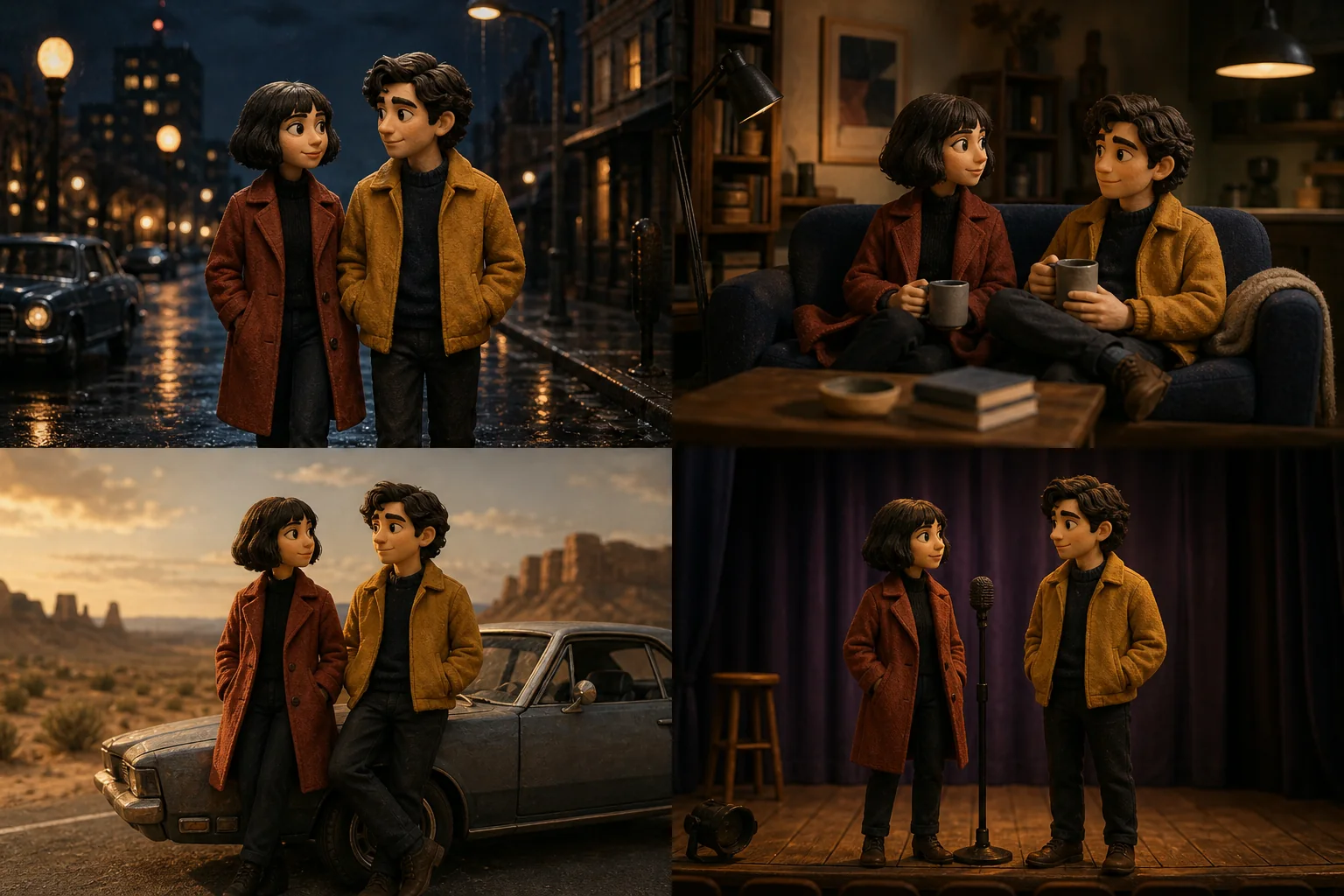
Why a recurring cast changes everything
A familiar character gives viewers something to recognize before the story has even started. That matters most for episodic shorts: the setting can change, but the person at the center of the thumbnail and opening shot should not feel newly invented every time.
- Viewers can recognize an episode before they have read the caption.
- Running jokes, relationships, and unresolved storylines can carry into the next video.
- The channel develops a visual identity that is harder to imitate than a template or caption style.
How it works, step by step
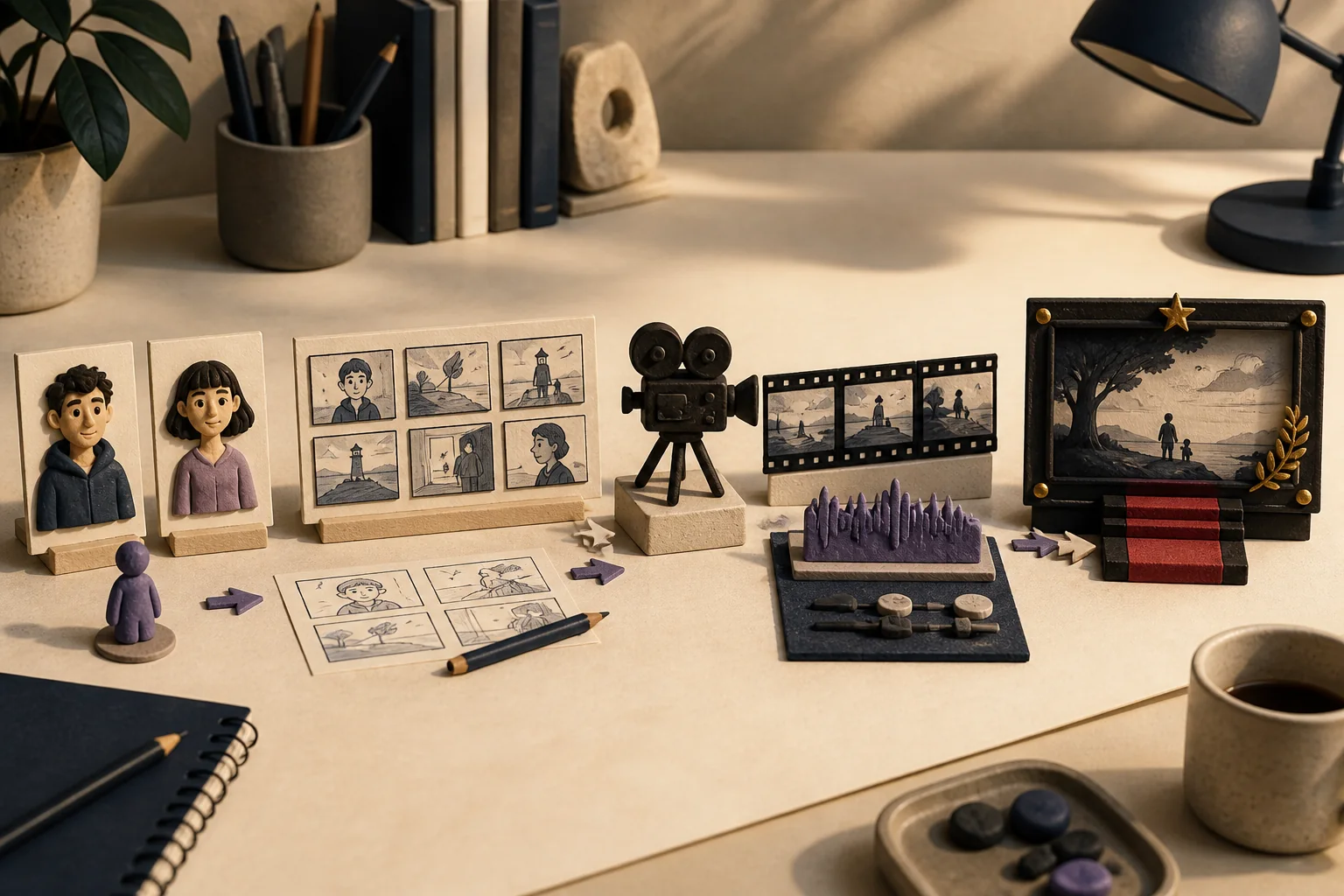
- 1Cast -- create up to four characters or bring back characters from an earlier film.
- 2Story -- start from a sentence, then edit the generated story until the structure and ending work.
- 3Scenes -- review the timed shots, dialogue, camera movement, and sound notes.
- 4Shoot -- preview an opening frame when a scene needs checking, then generate the video. Scenes can run in parallel.
- 5Score -- choose the mood and mix an instrumental track below the dialogue.
- 6Premiere -- combine the approved scenes and soundtrack into the downloadable film.
Casting: describe first, generate after
Start with the movie idea and the tool drafts a cast list: names, appearance, wardrobe, personality, and speaking style. No portraits are generated at this point. Read the descriptions first, remove generic details, and make the characters distinct from one another. Once the descriptions feel specific, generate the reference portraits.
Story, look, and language
The story draft expands the initial idea into a beginning, escalation, and ending. Treat it as a draft, not a finished script: cut the slow setup, check that every character has a reason to be there, and make sure the ending resolves the promise in the opening. You can then choose the visual look, camera style, amount of dialogue, and spoken language.
Scenes, previews, and shooting
The screenplay breaks the story into single-take scenes. Each scene has timed action, dialogue assigned to a character, a camera move, and sound notes. Every field is editable, and scenes can be added, removed, or shortened. A 100-second movie might be planned as four takes of 30, 30, 30, and 10 seconds rather than one impossible continuous shot.
Use an opening-frame preview when you are unsure about a location, costume, or composition. It is a cheaper way to catch a bad setup before generating the full clip. If the final scene still misses, reshoot that scene alone and keep the rest of the film intact.
The score and the premiere
The score is generated to match the film's length. Choose the mood, set the music below the dialogue, and listen for places where it competes with a quiet line. The premiere step joins the scenes, balances the audio, and produces the downloadable file. From there, the same cast can be loaded into a new episode without rebuilding the character references.
Auto-pilot: idea in, movie out
Auto-pilot is useful when speed matters more than detailed control. Give it the idea and target length, and it runs the cast, story, scene, video, music, and assembly steps in sequence. You can stop after any stage, edit the result, and continue manually if the draft needs intervention.
What it costs
Costs are shown at the point where each generation happens. Character portraits are charged per character, video scenes are priced by length, camera, and resolution, and the final assembly has its own render cost. Check the whole-movie estimate before generating the cast, then use previews selectively. Failed generations are refunded automatically.
| Camera | Best for | Scene length |
|---|---|---|
| Seedance 2.5 | Highest-detail option, up to 4K | Up to 30s per take |
| Seedance 2.5 Turbo | Same takes, faster and cheaper | Up to 30s per take |
| Seedance 2.0 Fast | Strong quality at a mid price | Up to 15s per take |
| Seedance 2.0 Mini | Lower-cost drafts and simpler scenes | Up to 15s per take |
The series playbook
- 1Keep episode one under a minute, with two characters and one complete conflict.
- 2Read the comments for character names, quoted lines, and questions about what happens next.
- 3Load the same cast into episode two and change the situation rather than redesigning the people.
- 4Keep wardrobe and locations consistent unless the story gives viewers a reason for the change.
- 5Publish often enough that viewers remember the characters between episodes.
Frequently asked questions
Yes. Each character is saved to your account with their portrait, wardrobe, personality, and voice description. Any movie that casts them uses the same reference, so the same person shows up on screen every time.
Ship your first faceless video today.
Pick your niche. Pick your models. We render. From idea to finished short in under 7 minutes — no camera, no editor.
Keep reading
AI Character Video Generator: Create Consistent Character Videos in 2026
Turn one photo and one unusual part of your daily life into a recognizable series. Includes a complete Bangkok character-vlog production kit you can copy field by field.
AI Talking Objects Video Generator: The 2026 Production Guide
A coffee mug complaining about Monday earns more replays than a talking head repeating the same tip. This guide covers the entire cast-to-render workflow behind AI talking-object videos, from 15-second Shorts to 20-minute episodes.

Best Free AI Video Generator in 2026, Ranked (8 Tools Tested)
One of the eight free AI video generators we tested made us wait 47 minutes for a 45-second export; another charges $3.10 for a video a rival delivers at $0.30. Here's exactly where each tool wins, where it quietly costs a weekend, and which one fits your workflow.