Give your podcast a face — without showing yours
Turn episode ideas into cinematic clips, teasers, and full visualized episodes. Your audio grows fastest where people can see it.

The problems this replaces
- Audio-only shows are invisible on the platforms where discovery happens
- Static-waveform audiograms get skipped instantly
- Editing video versions of episodes doubles production time
How podcasters use it
Episode teasers
Turn the episode's sharpest claim into a 30-second cinematic clip that sends viewers to the full show.
Topic clips between episodes
Keep the feed alive on off days with short visual takes on your show's themes.
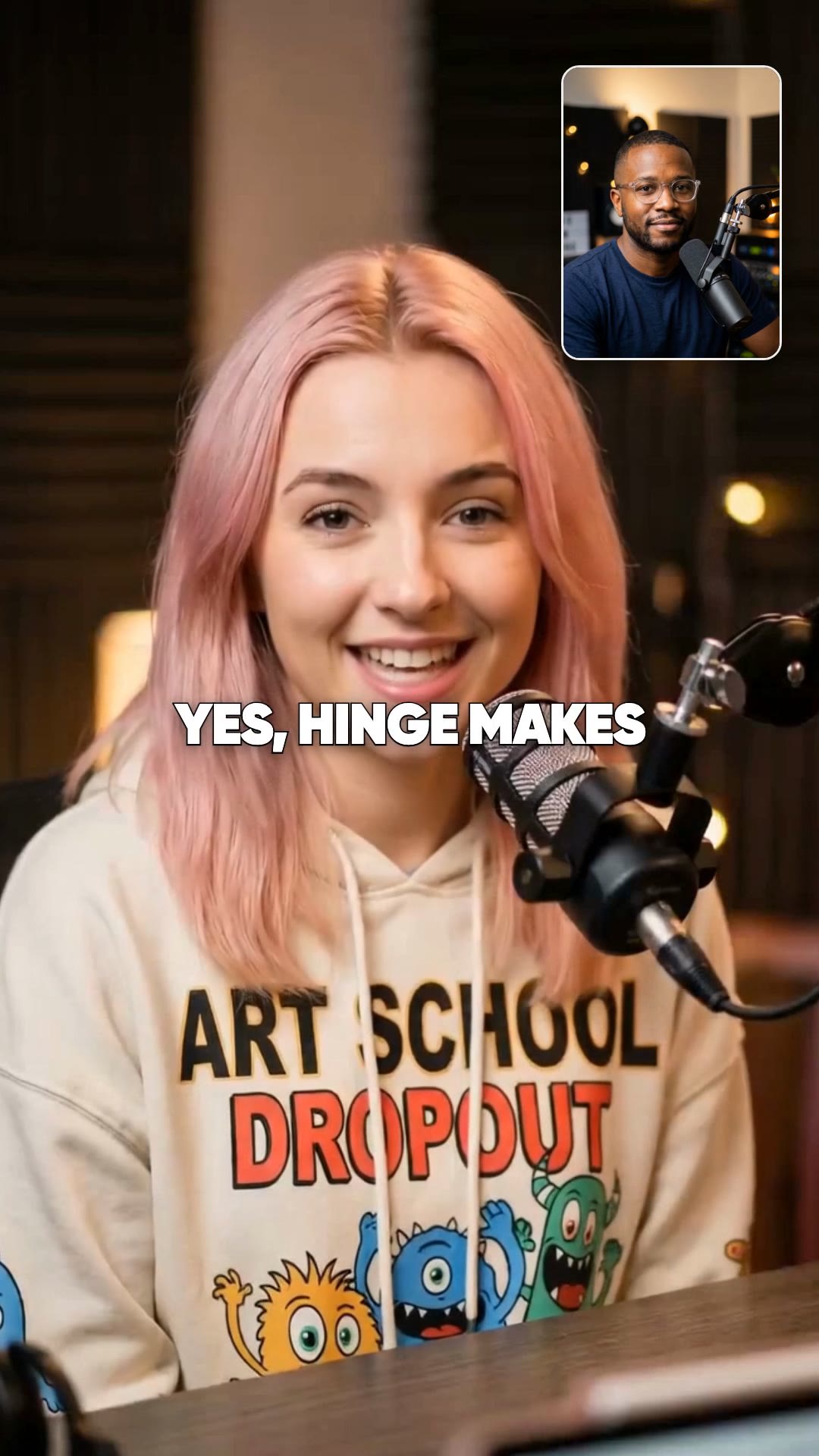
AI podcast episodes
Generate fully visualized podcast-style videos with AI speakers for YouTube — a second surface for the same ideas.
Prompts written for your niche
Each prompt is the entire input — hook claim, three concrete payoffs, one style line. Paste, adjust the nouns, generate.
“The hiring mistake that costs startups their best people — the mis-scoped first role, interviews that test the wrong skill, and the 90-day silence that makes stars quit. Visual style: modern office scenes, warm practical lighting, documentary realism.”
“Why remote work broke meetings — the 30-minute default nobody questions, status updates that should be messages, and the calendar as a to-do list. Visual style: clean workspace scenes, soft natural light, minimal and editorial.”
Common questions
Can I use my own audio?
Yes — audio-first formats build visuals around an uploaded track, and script formats accept your exact narration.
What's an AI podcast episode?
A podcast-style format where AI speakers hold the conversation on your topic, fully visualized — useful as a YouTube companion to your main show.
Which sizes do clips come in?
9:16 for Shorts, Reels, and TikTok; 16:9 for YouTube uploads and embeds.